
2022.44.25 Tesla Release Notes
Apple Music
Media Improvements
Stream over 100 million songs and 30,000 playlists ad-free. Listen to your entire library, discover more music, and tune into live radio stations. To access Apple Music, tap the Apple Music icon in the Application Launcher, scan the QR code with your mobile device, and login with your Apple ID.
Note: A Premium Connectivity subscription is required to stream Apple Music over a cellular connection.
myQ Connected Garage
New Feature

myQ Connected Garage door openers are now supported. Monitor and control your garage door remotely using your vehicle’s touchscreen. To set up, tap Controls > Locks > myQ Connected Garage > Link Account, and follow the instructions.
Note: Your vehicle will automatically recognize all existing garage doors if you already have a myQ account.
Track Mode
Vehicle Improvements

Track Mode enables Tesla’s performance-oriented stability control and powertrain settings configured for track driving, and is designed to be used exclusively on closed courses and optimized for performance tires. Track Mode allows you to:
– Create custom track mode settings profiles and record your track day data.
– Monitor the status of your car motors, battery, brakes and tires in real time.
– View the G-meter (a real-time accelerometer) displayed in the cards area of the touchscreen.
To enable Track Mode for your current drive, shift into Park, then tap Controls > Pedals and Steering > Track Mode. For more information about Track Mode, please visit the Owner’s Manual.
Auto Turn Signals
New Feature

Turn signals can automatically deactivate upon completing a lane change, fork, or merge. Tap Controls > Lights > Auto Turn Signals.
Mahjong
Arcade Improvements
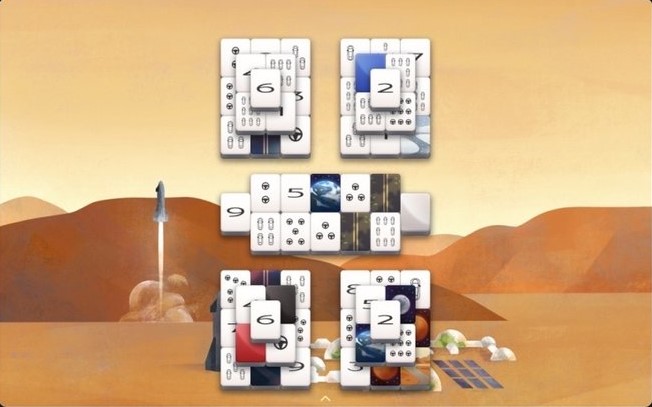
The relaxing tile match game has been elevated with a clean, modern design, smooth animations, and calming sounds. Match identical tiles. A tile is playable if it is open on the left or right and isn’t covered by another tile. Continue pairing tiles to clear the board and your mind! To access Mahjong, tap the Application Launcher > Arcade.
Dog MODE
Dog Mode Improvements

View the interior camera from the mobile app while using Dog Mode or Sentry Mode. To enable Live Camera, tap Controls > Safety > View Live Camera via Mobile App.
Note: This feature requires Mobile App version 4.15.0+ and Premium Connectivity.
Emissions Testing Mode vıa Mobıle App
Toybox Imprevements
Emissions Testing Mode can now be used from the Mobile App. Long press any quick controls icon from the home screen and drag the ‘Fart’ icon to the top row.
Note: This feature requires Mobile App version 4.15.0+.
Always Rainbows
Toybox Improvements
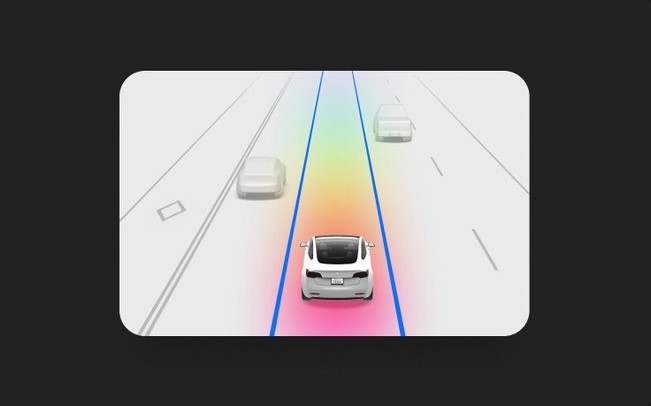
Allow your driving visualization to show Rainbow Road when Autopilot is active. To enable, tap the Application Launcher > Toybox > Rainbow Road > Always Rainbows.
Climate Control FAN SPEED
Climate Control Improvements

Adjust fan speed intensity while remaining in AUTO climate by selecting between ‘LO’, ‘MED’, and ‘HI’ from the fan intensity selector on the climate control popup.
Confirm Phone Call Transfer
Phone App Improvements

Active phone calls from a mobile device connected to the vehicle via Bluetooth will now request confirmation before transferring audio to the vehicle.
Contact Lookup
Phone App Improvements
Search for contacts from a connected Bluetooth device. To access, tap the Application Launcher > Phone > Contacts > Search icon.
Scheduled Light Show
Toybox Improvements
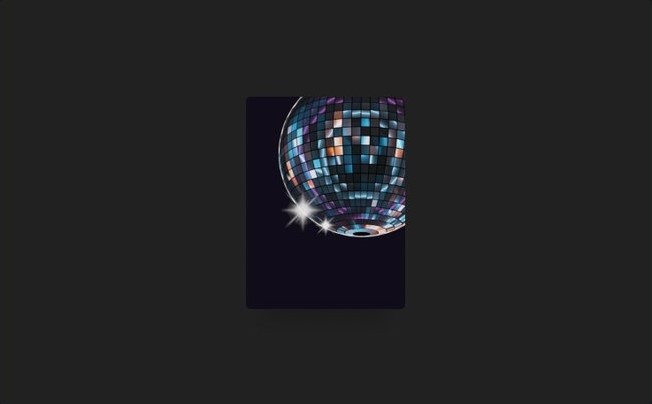
Schedule the Light Show for up to 10 minutes in advance or watch a multi-car orchestra by setting them to start simultaneously. Celebrate New Year’s with the Auld Lang Syne show or create longer custom shows.
To access Light Show, tap the Application Launcher > Toybox.
Media Controls
User Interface Improvements
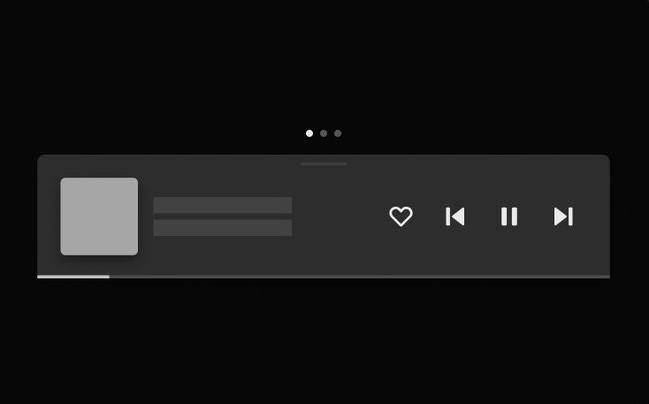
Media controls are closer to the driver for easy access. Swipe up to access ‘Recents & Favorites’ and ‘Sources’. Swipe left or right to also access trips and tire pressure information.
