
Tesla released 2026.20.10 on July 28, 2026, in the Oceania branch.
FSD v14.3.5 Down Under lists Model S/3/X/Y; hardware eligibility is unspecified.
Navigation, arrival settings and Model Y L child-seat guidance are included. FSD requires supervision.
Below is our illustrated overview of the 2026.20.10 Release Notes.
FSD (Supervised) v14.3.5 Down Under
New Feature
for Model S, 3, X and Y

Refines perception, parking, unusual-scenario handling and driver monitoring; tracks intervention-free distance.
Second Row Child Safety Seats
New Feature
for Model S, 3, X and Y
Model Y L

Consult the vehicle manual for additional second-row child-seat installation guidance.
Arrival Options
New Feature
for Model S, 3, X and Y

Store destination-specific parking or drop-off preferences.
Speed Profiles
New Feature
for Model S, 3, X and Y

Select the driving profile using the right scroll wheel; SLOTH favors conservative driving.
Navigation Lane Guidance
New Feature
for Model 3 and Y

Lane directions require Online Routing and maps version 2026.20 or later.
Send Destination to Car
New Feature
for Model 3 and Y
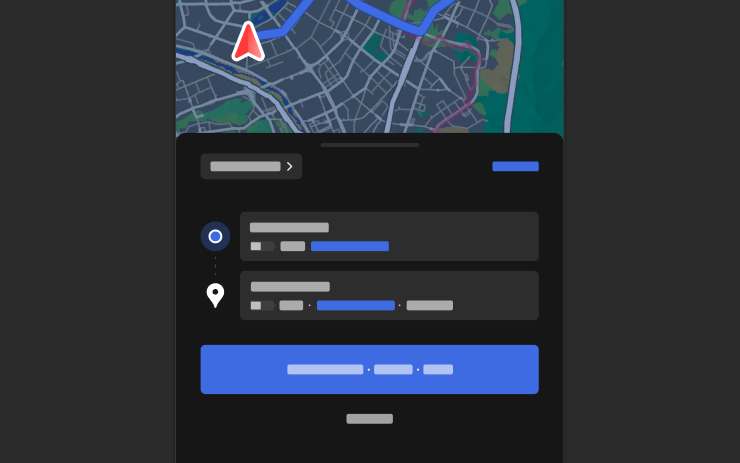
Share destinations using mobile app 4.57.0+ or supported Korean mapping apps.
UI Improvements
New Feature
for Model S, 3, X and Y

View driving statistics, activate FSD and adjust profiles or arrival choices on the touchscreen.
Weather Maps
New Feature
for Model 3 and Y

View precipitation and the preceding hour of weather with Premium Connectivity.
Points of Interest
New Feature
for Model 3 and Y

Tap map landmarks to explore locations or start navigation.
Brake Confirm
New Feature
for Model S, 3, X and Y

Brake-pedal confirmation defaults off; enable it in Self-Driving settings.
