

Tesla update 2025.47.5 is dated December 25, 2025.
South Korea: FSD v14.1.4 and holiday features; eligibility varies.
Illustrated notes follow; FSD requires supervision.
FSD (Supervised) v14.1.4
New Feature
for Model S, 3, X and Y
HW4
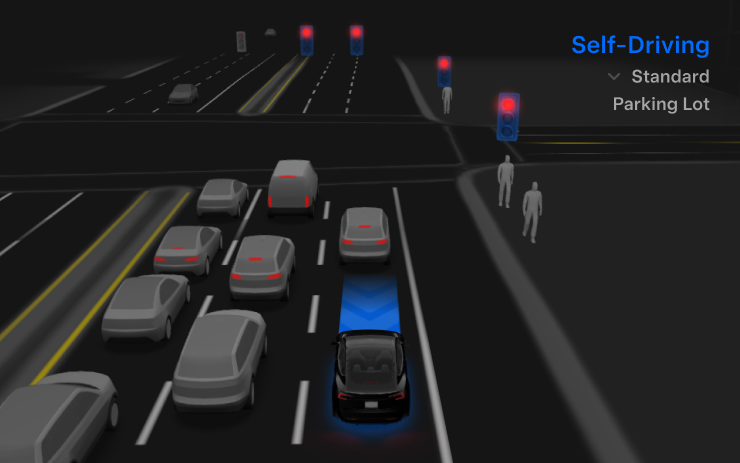
Refines routing and driving responses.
Speed Profiles
New Feature
for Model S, 3, X and Y
HW4
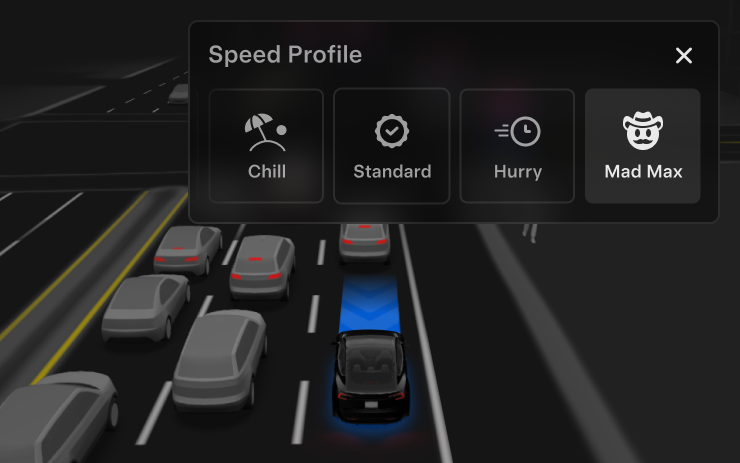
Scroll-wheel driving profile selection.
UI Improvements
New Feature
for Model S, 3, X and Y
HW4
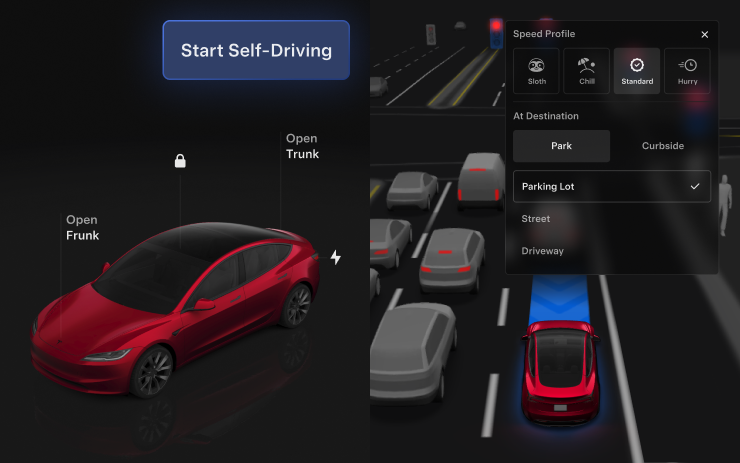
Touchscreen activation and driving settings.
Brake Confirm
New Feature
for Model S, 3, X and Y
HW4
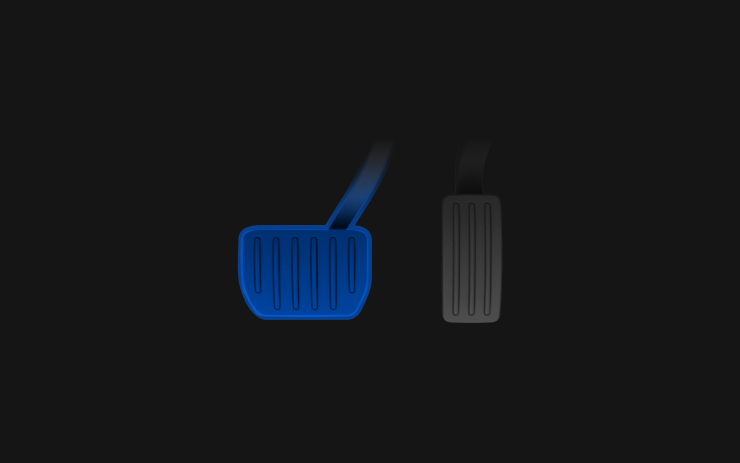
Optional pedal confirmation defaults off.
Full Self-Driving (Supervised)
New Feature
for Model S, 3, X and Y
HW4
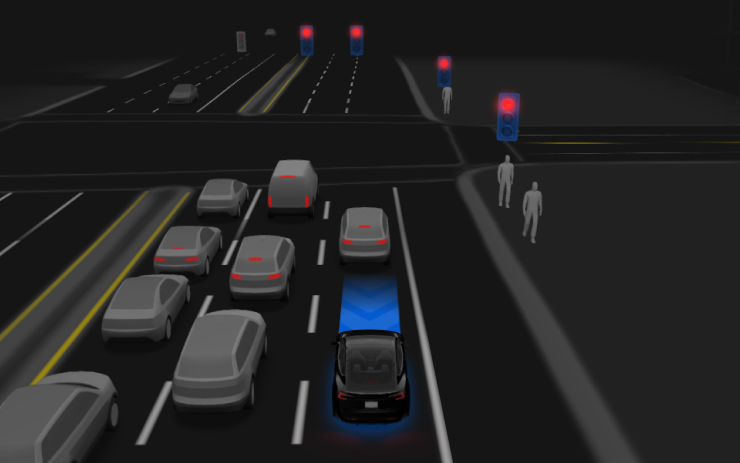
Continuous driver supervision required.
Grok with Navigation Commands (Beta)
New Feature
for Model S (New), 3, X (New), Y and CT
AMD Ryzen / Premium Connectivity or Wi-Fi

Assistant mode edits destinations.
Tesla Photobooth
New Feature
for Model S (New), 3, X (New), Y and CT
AMD Ryzen / Available Worldwide / Park required / Tesla App 4.51.5+
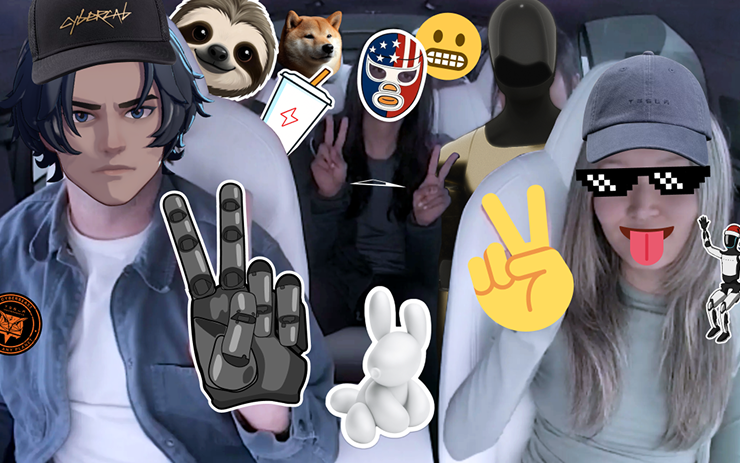
Park-only selfies, filters and sharing.
Dog Mode Live Activity on iOS
New Feature
for Model S (New), 3, X (New), Y and CT
Available Worldwide / Tesla App 4.51.5+ / Cabin snapshots require Premium Connectivity
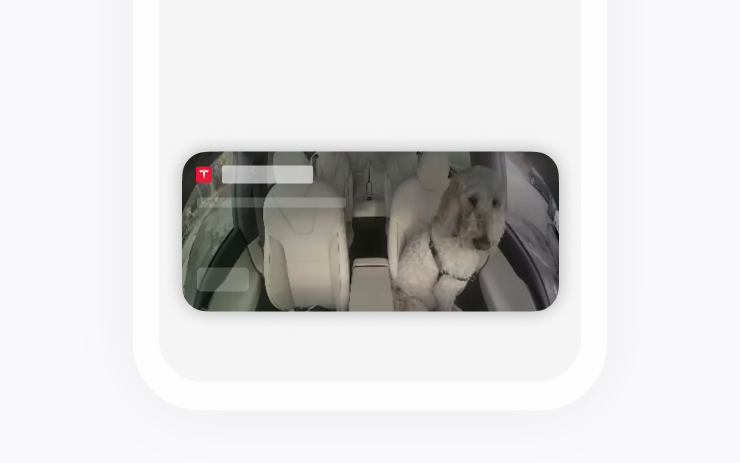
Live climate status on iPhone.
Dashcam Viewer Update
New Feature
for Model S, 3, X, Y and CT
HW3 / HW4 / Available Worldwide / Premium Connectivity / Tesla App 4.51.5+
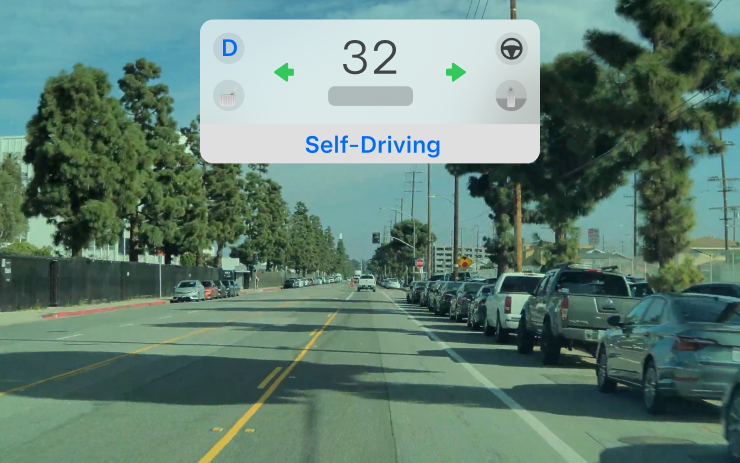
Adds speed, steering and driving-state details.
Santa Mode Updates
New Feature
for Model S, 3, X, Y and CT
Available Worldwide
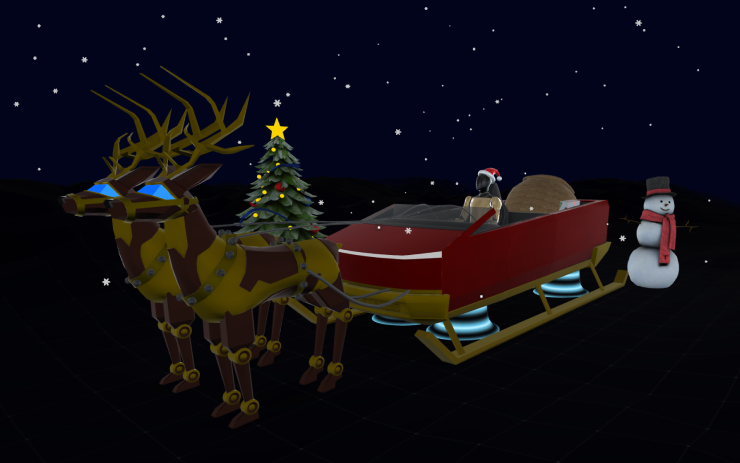
Adds festive scenes and sounds.
Light Show Update
New Feature
for Model S (New), 3, X (New), Y and CT
Available Worldwide
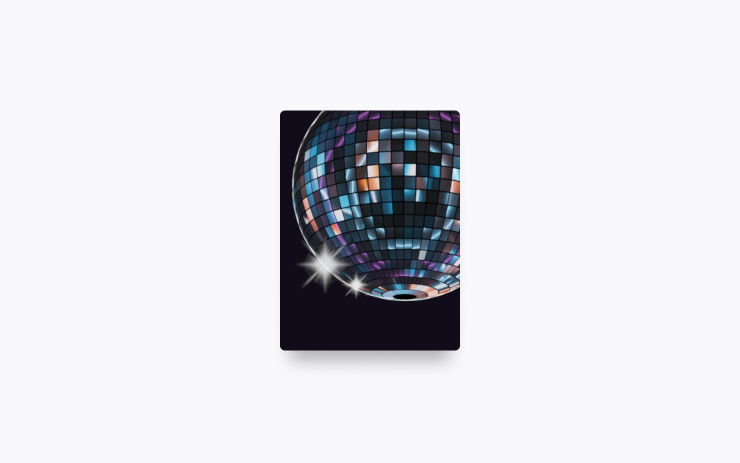
Jingle Rush and custom shows.
Paint Shop
New Feature
for Model 3, Y and CT
Available Worldwide
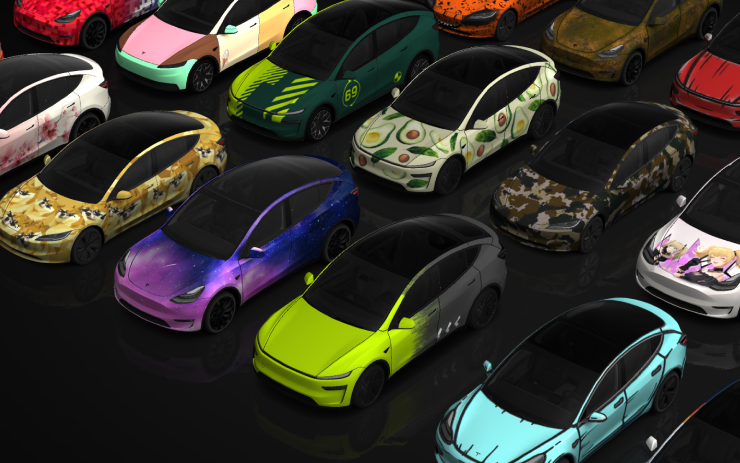
Custom avatars, wraps and plates.
Navigation Improvements
New Feature
for Model S, 3, X, Y and CT
Available Worldwide

Reorder favorites and customize destinations.
Automatic HOV Lanes Routing
New Feature
for Model S (New), 3, X (New), Y and CT

Routes using applicable carpool restrictions.
Supercharger Site Maps
New Feature
for Model S (New), 3, X (New), Y and CT
AMD Ryzen
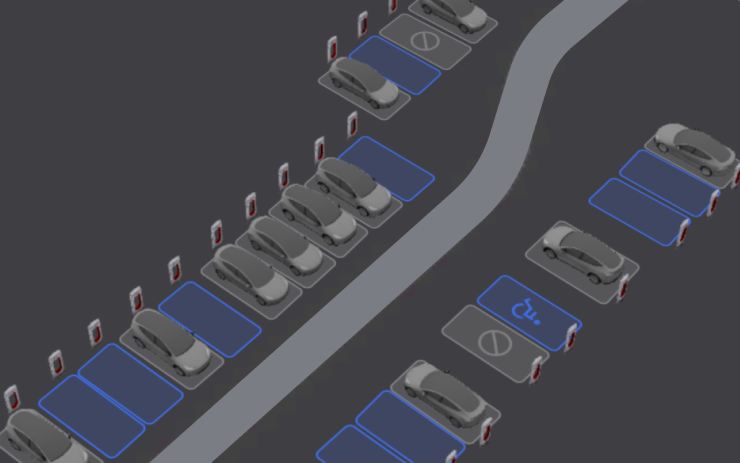
Selected sites: layout and occupancy.
Phone Left On Wireless Charger
New Feature
for Model S (New), 3, X (New) and Y
Wireless Charger / Available Worldwide

Chimes after occupants leave.
Phone Left Behind
New Feature
for Model 3 (New), Y (New) and CT
Ultrawide Band / Available Worldwide

Warns of remaining cabin phones.
Save Charge Limit by Location
New Feature
for Model S, 3, X, Y and CT
Available Worldwide

Remembers location-specific charging limits.
SpaceX Docking Simulator
New Feature
for Model S (New), 3, X (New), Y and CT
AMD Ryzen / Available Worldwide / Park required
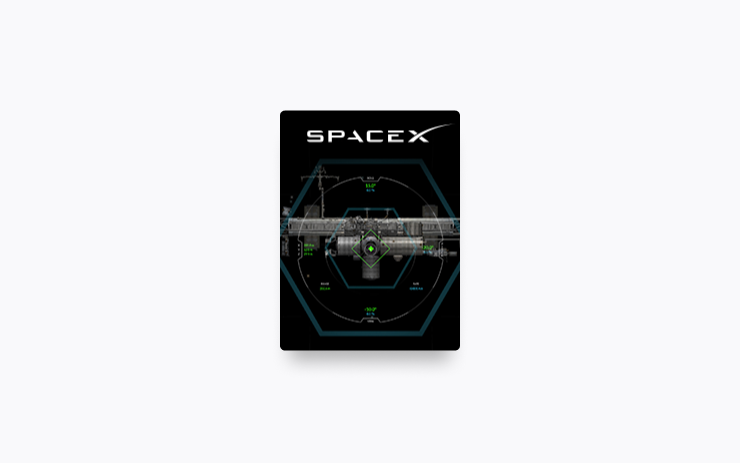
Park-only spacecraft docking game.
Minor Updates
New Feature
for Model S, 3, X, Y and CT
Available Worldwide

Charging-pad controls, Dog Mode alerts, Spotify, Tron sounds and optional charging-data sharing.
