

Tesla software update 2026.38.5.13 was listed on November 13, 2026, as part of the 2026.38.5 family. Its fifteen official entries match the descriptions and eligibility details published for 2026.38.5.12. They cover two versions of Full Self-Driving (Supervised) alongside changes to charging, lighting, and the center display. The release notes identify the features included in the build without naming a new correction for this particular revision.
For HW4, FSD (Supervised) v14.3.13 covers improvements in how the system reads traffic signs and handles unusual situations, including poor visibility and complex intersections. Tesla reports a 20 percent faster reaction time after rebuilding the software that compiles and runs the driving model. Drivers can see possible parking spots on the map, log why they took over, and review how far they traveled without intervening. The driver remains responsible for supervising the system. Pothole avoidance is listed as future work.
The HW3 notes list v14.3 Lite for Model S, Model 3, Model X, and Model Y. This version draws on the HW4 model's training to improve responses at merges and around pedestrians, smooth steering, and support parking and reversing. Starting from Park, saving arrival preferences, and reaching those settings directly from the driving display are described in separate entries for HW3 Model 3 and Model Y. The broader Speed Profiles entry includes SLOTH for more conservative speed and lane choices.
The charging features address different parts of a trip. Tesla App 4.58.0 or later can set a target battery level for arrival, while supported pilot Superchargers can show stall availability and the site layout in listed Intel vehicles. Emergency Drive Away has a separate purpose. It is reserved for emergencies, and using it with the Supercharger cable attached damages both the vehicle and the charger.
The rest of the notes cover Halloween effects on listed AMD vehicles, an updated parked view for AMD-equipped HW3 Model 3 and Model Y, and automatic low-beam adjustment on specific Model 3 and Cybertruck vehicles. The illustrated entries below give the requirements for each feature, including the separate HW4 Automatic Collision Evasion entry and the models covered by the security improvements.
Halloween Mode
New Feature
for Model S (New), 3, X (New), Y and CT
AMD / Available Worldwide
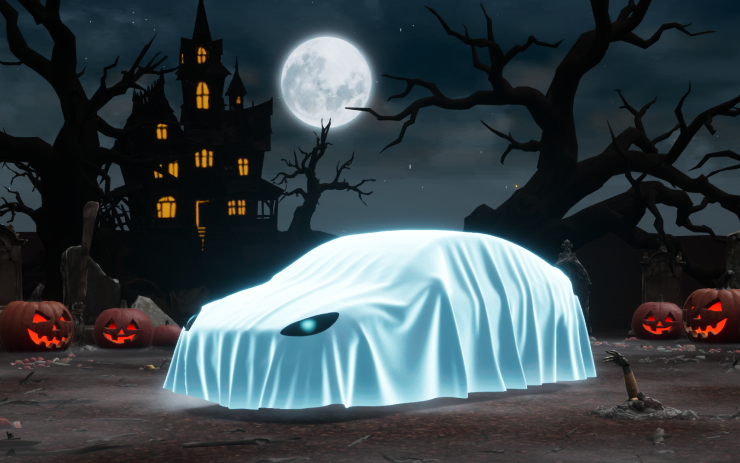
On the listed AMD vehicles, Halloween Mode changes the vehicle graphic to a ghost and offers effects that react to approaching visitors. Owners can schedule a themed light show, play spooky sounds with flashing lights in Trick or Treat Mode, and use the themed Photobooth throughout the year.
Visual Updates
New Feature
for Model 3 and Y
AMD / HW3 / Available Worldwide
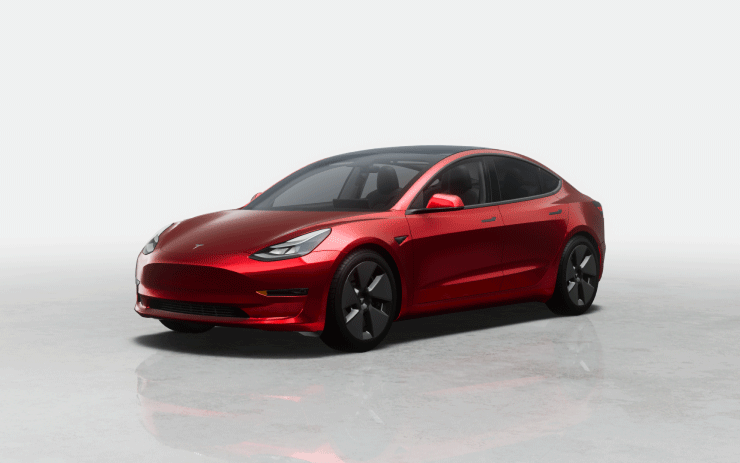
The center display shows a sharper image of the vehicle and a richer scene while parked. This change applies to Model 3 and Model Y vehicles that have both AMD infotainment and HW3.
Emergency Drive Away
New Feature
for Model S (New), 3, X (New), Y and CT
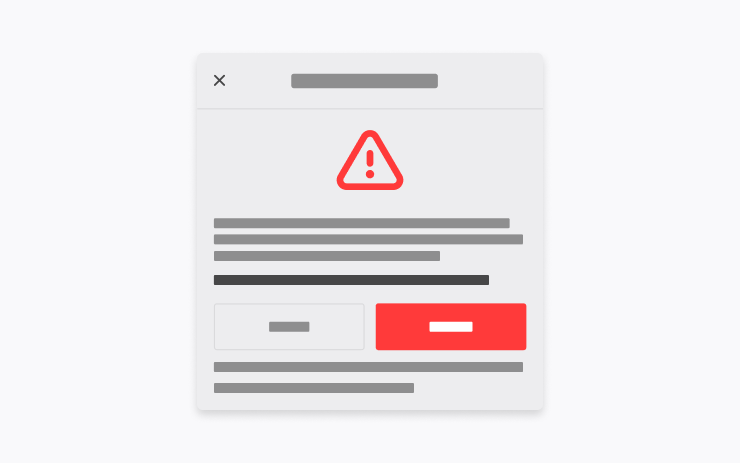
The listed vehicles can shift to Drive while connected to a Supercharger in an emergency. Leaving with the cable attached damages the vehicle and charging equipment, and the user may be responsible for repairs. Tesla receives short clips from the vehicle cameras when the function is used.
Supercharger Site Maps
New Feature
for Model S (Legacy), 3, X (Legacy) and Y
Intel / Available Worldwide
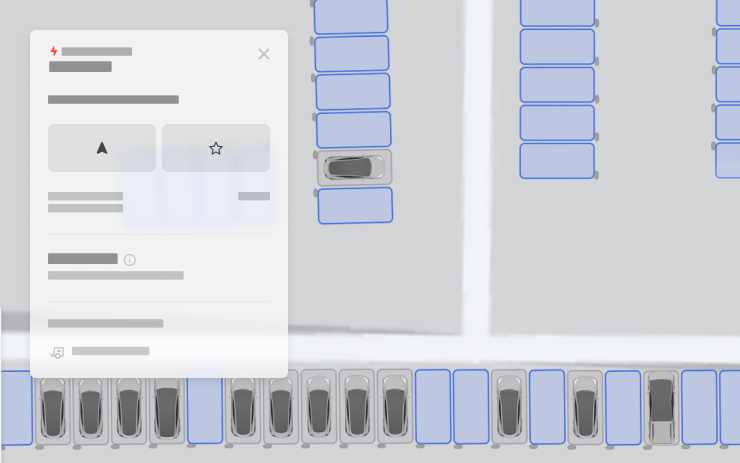
For the listed Intel vehicles, View Site Map opens a detailed layout at supported Supercharger locations. When navigation takes the driver to a pilot site, the display shows the layout on arrival and marks stalls as available, occupied, or out of service.
Set Arrival Energy
New Feature
for Model S, 3, X, Y and CT
Tesla App 4.58.0+ / Available Worldwide
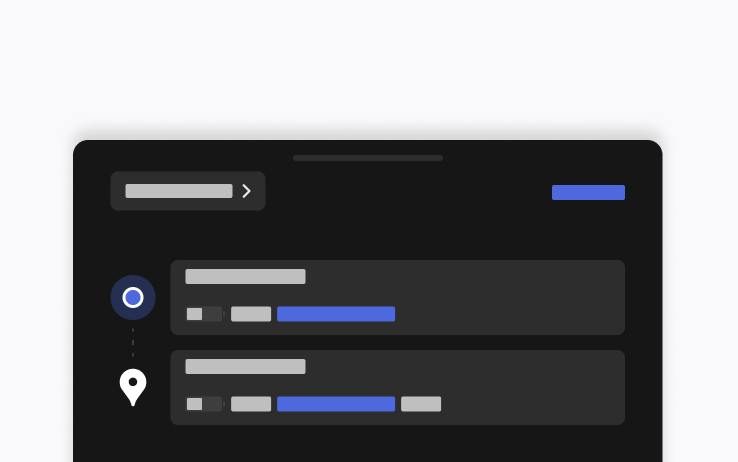
In the mobile app, enter your destination in the location tab and choose Set Arrival Energy to specify the battery energy you want left at the end of the trip. The setting requires the indicated app version or later.
Dynamic Headlight Leveling
New Feature
for Model 3 and CT
Specific Vehicles / Available Worldwide

On supported Model 3 and Cybertruck vehicles, the low beams change their aim automatically with road conditions and nearby traffic. The goal is to keep the road visible while limiting glare for other drivers.
Automatic Collision Evasion
New Feature
for Model S (New), 3, X (New), Y and CT
HW4

On the listed HW4 vehicles, this feature can engage FSD (Supervised) during manual driving if it detects insufficient attention or a possible unintended disengagement. It attempts to maintain safety and continue driving. Tesla gives operating details in the Owner's Manual.
FSD (Supervised) v14.3.13
New Feature
for Model S (New), 3, X (New), Y and CT
HW4
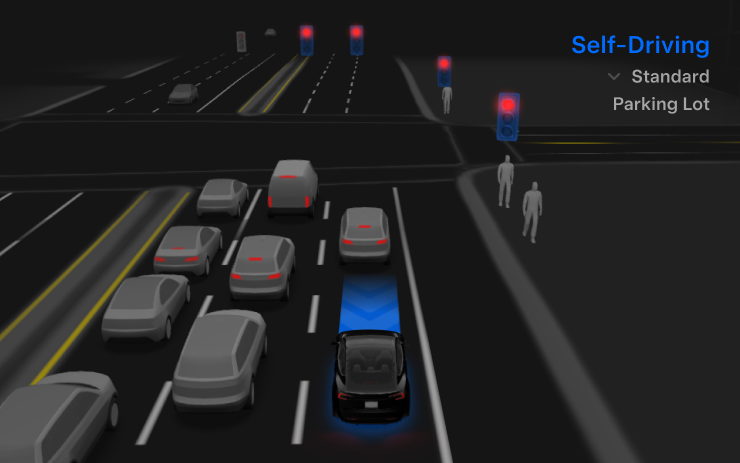
Revised reinforcement learning and vision processing help the HW4 system identify traffic signs, judge three-dimensional geometry, and handle rare or low-visibility situations. Tesla reports a 20 percent faster reaction time after rebuilding the compiler and runtime with MLIR. The change also helps the team iterate on the model faster.
Less unnecessary lane bias and close following are among the driving refinements. The system chooses parking spaces and completes maneuvers more decisively, predicts the parking location with a P icon, and displays parking options on arrival. Other improvements address emergency vehicles, school buses, right-of-way violations, and rare vehicle types.
Training also covers small animals, complex traffic lights, curved approaches, yellow-light stops, and objects that extend into the road. The system can maintain control and recover from some temporary degradations. Driver monitoring improves gaze detection under varying light and when the driver wears glasses.
The release describes a shared driving model for Actually Smart Summon, FSD, and Robotaxi. After a takeover, drivers can report an intervention reason on the display. The Self-Driving App shows intervention-free driving distance and the longest streak. Tesla lists pothole avoidance and broader reasoning beyond destination handling as future improvements.
Full Self-Driving (Supervised)
New Feature
for Model S (New), 3, X (New), Y and CT
HW4
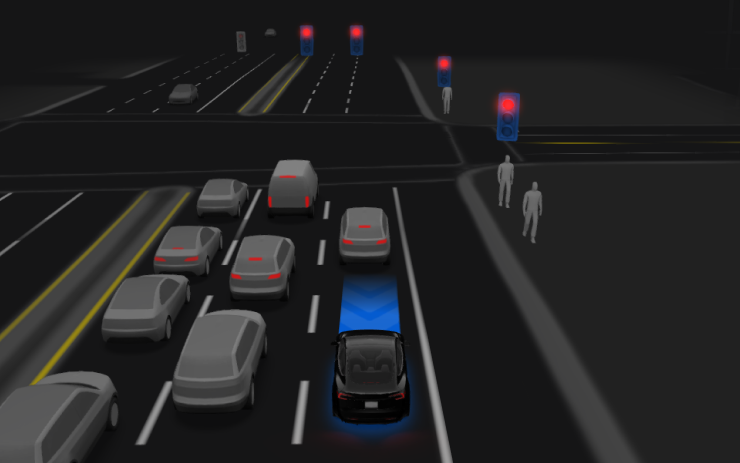
Under a driver's supervision, the listed HW4 vehicles can depart from Park, change lanes, follow a navigation route through forks and turns, go around obstacles, and park at the destination. The driver must stay attentive and be ready to take over.
The display's Start Self-Driving control and one press of the right scroll-wheel button are the listed ways to engage the system. The driver can turn it off in Autopilot Settings.
FSD (Supervised) v14.3 Lite
New Feature
for Model S, 3, X and Y
HW3
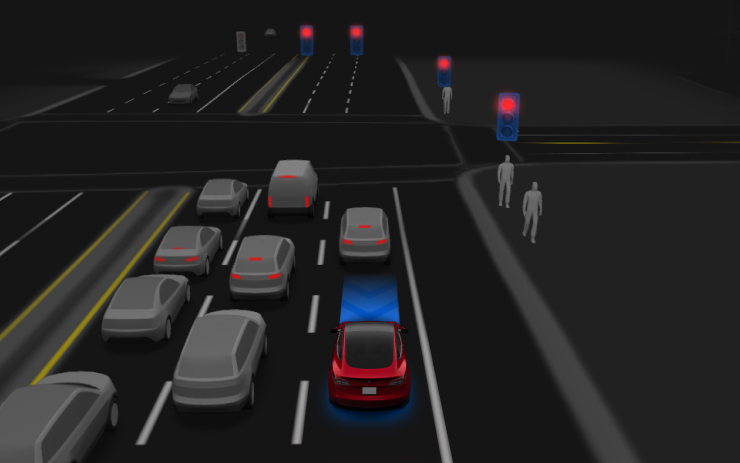
The HW3 system draws on knowledge from HW4 V14 and its training. The notes describe more responsive handling of merges, forks, pedestrians, traffic lights, and vehicles cutting in, along with smoother steering, steadier lane centering, and fewer unnecessary slowdowns.
The listed HW3 vehicles can park, unpark, and reverse. Drivers can also select a parking lot, street, or driveway for arrival and choose Speed Profiles throughout supervised driving.
Start Self-Driving from Park
New Feature
for Model 3 and Y
HW3
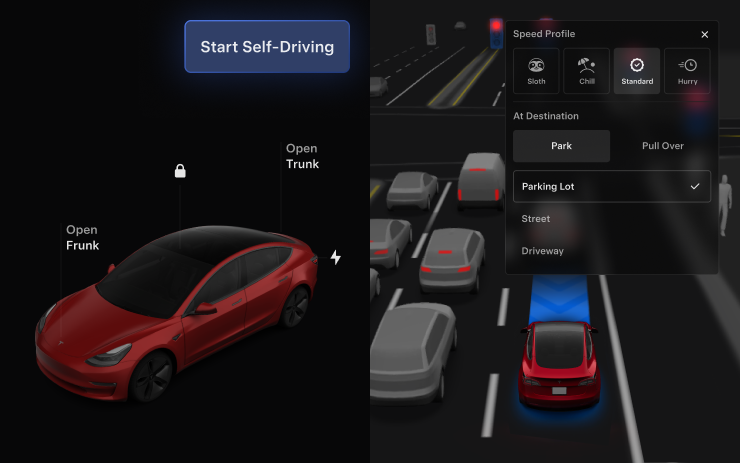
On the listed HW3 Model 3 and Model Y vehicles, the start control can appear when the system detects a seated, buckled driver and a clear cabin camera, among other checks. With Brake Confirm on, the driver presses and releases the brake to engage. When it is off, the system can apply the brakes after the driver selects Start. A pedal confirmation can still be required if the checks fail.
Brake Confirm is available in the Self-Driving settings. A licensed and authorized driver must remain attentive and ready to intervene whenever using the feature.
Arrival Options
New Feature
for Model 3 and Y
HW3
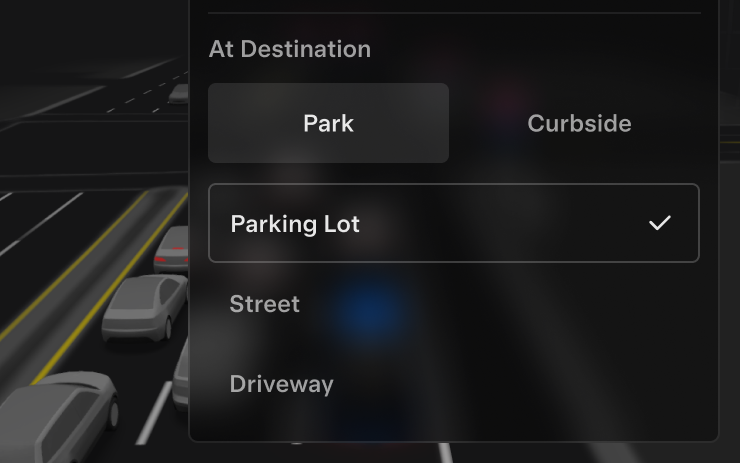
Choose whether the car should use a parking lot, stop on the street, take a driveway, or pull over for a drop-off. Arrival and preferred parking selections are saved for each destination on the listed HW3 Model 3 and Model Y.
Speed Profiles
New Feature
for Model S, 3, X and Y
HW3
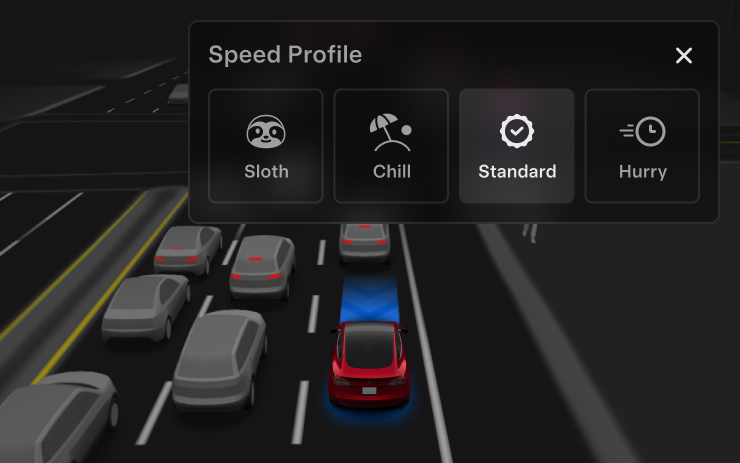
The selected profile influences how FSD responds to speed limits and surrounding traffic. SLOTH favors lower speeds and more conservative lane choices than CHILL. The right scroll wheel now changes the profile in place of a precise speed offset.
UI Improvements
New Feature
for Model 3 and Y
HW3
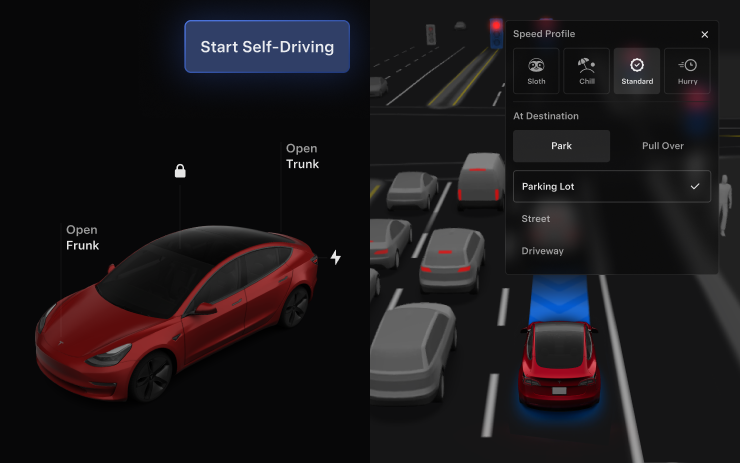
The driving visualization on the center display gives eligible HW3 Model 3 and Model Y drivers direct access to Speed Profile and Arrival Options.
Security Improvements
New Feature
for Model S, 3, X, Y and CT
Available Worldwide

The listed vehicles receive security fixes and improvements. The entry gives no individual vulnerability or repair details.
