

Tesla software update 2026.15.6 was listed on June 3, 2026, adding another build to the 2026.15 family. This update covers supervised driving. Its 5 documented entries explain changes to the ownership experience, from the features used inside the cabin to the software operating behind them. Availability depends on the vehicle and the requirements of each entry.
FSD (Supervised) v14.2.2.5 is listed for Cybertruck. Availability follows the requirements of each entry; the update number alone does not identify which driving branch a vehicle receives.
FSD (Supervised) v14.2.2.5 focuses on destination arrival, blocked-road routing and interactions with gates, debris and nearby traffic. It also improves recovery from degraded operation and adds alerts for windshield residue affecting camera visibility. These changes cover both ordinary route decisions and less predictable situations, while driver supervision continues throughout.
Speed Profiles gives the driver a way to influence driving pace and lane-selection behavior. The chosen profile is considered together with speed limits and surrounding traffic. The right steering-wheel scroll control changes the selected profile, making driving preferences accessible without opening a separate settings page. MAD MAX adds a more assertive option than HURRY.
UI Improvements makes Self-Driving settings available within the center display visualization. Drivers can change preferences from the driving interface, keeping the relevant controls alongside the view used to follow the journey. Arrival preferences can be adjusted there as well.
Full Self-Driving (Supervised) describes assistance with leaving a parked position, following navigation routes, changing lanes, making turns and parking at the destination. Drivers can activate the feature through the screen or right scroll-wheel button when available. The driver continues to supervise the road and remains responsible for taking control whenever needed.
Brake Confirm controls whether starting Self-Driving requires pressing and releasing the brake pedal. The entry defaults that confirmation off, allowing the screen command to begin activation without the extra pedal step when the operating requirements are satisfied. Drivers can enable the confirmation again in settings.
Below, you can find the individual 2026.15.6 Release Notes, with images and the vehicle and hardware requirements for each documented feature.
FSD (Supervised) v14.2.2.5
New Feature
for Model CT
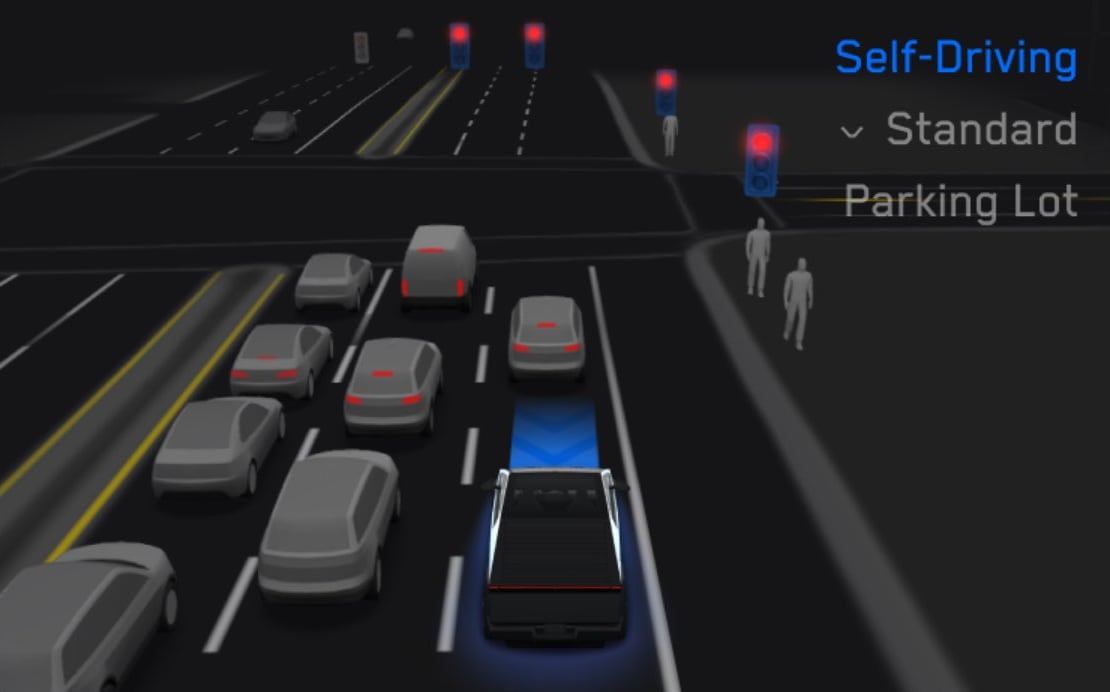
Refines perception, detour handling and parking choices, with improvements for gates, debris and traffic interactions.
Speed Profiles
New Feature
for Model CT
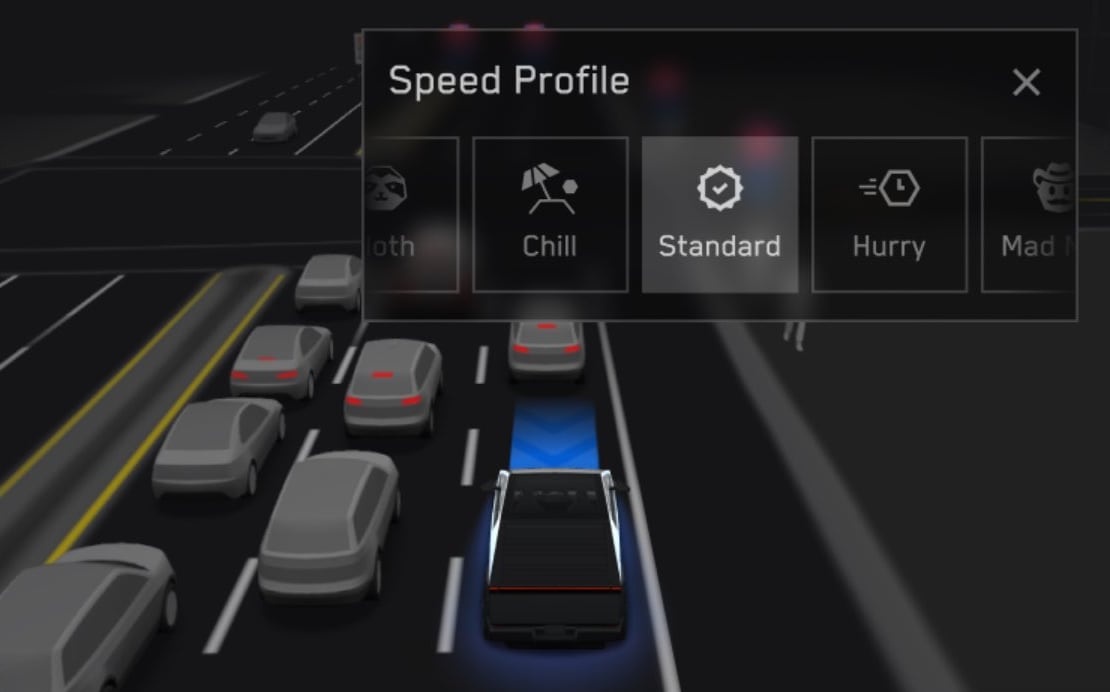
Scroll-wheel profile selection ranges from conservative SLOTH to assertive MAD MAX.
UI Improvements
New Feature
for Model CT
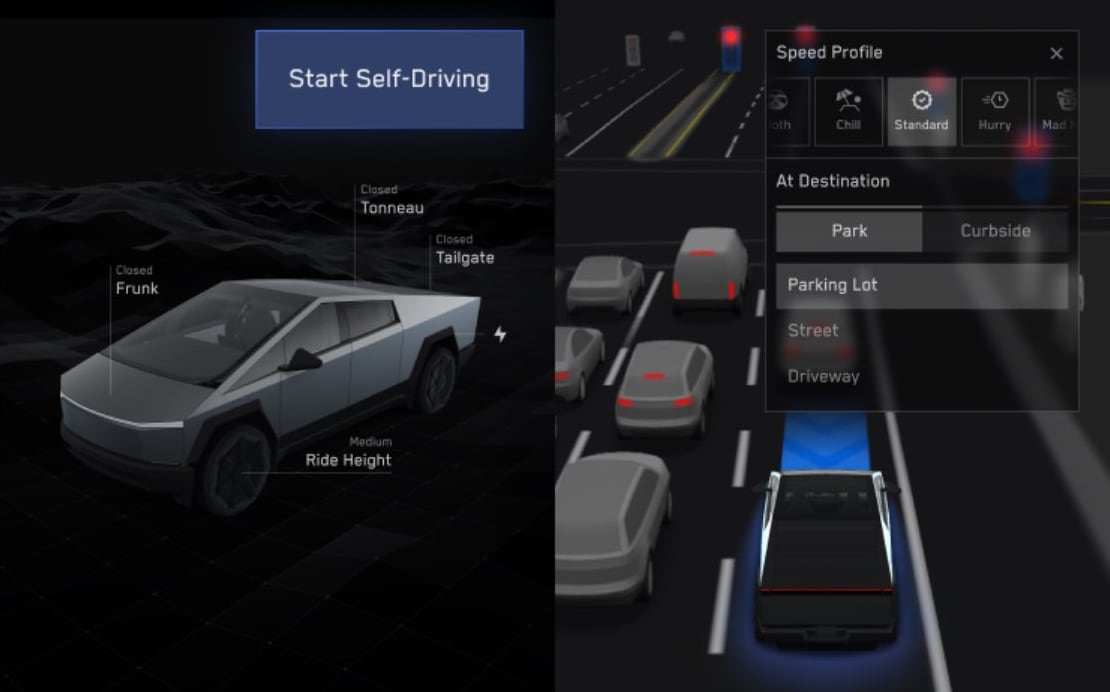
View statistics, activate FSD and adjust driving preferences onscreen.
Full Self-Driving (Supervised)
New Feature
for Model S, 3, X, Y and CT
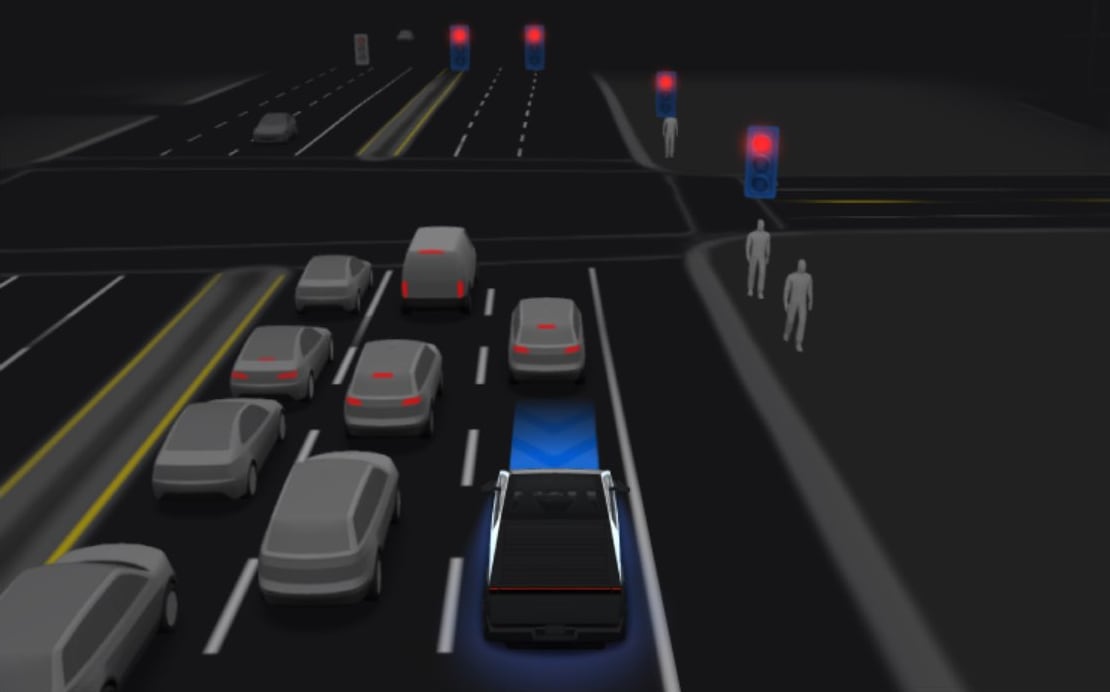
Assists routes, lane changes and parking. Activate with the touchscreen or right scroll wheel and supervise continuously.
Brake Confirm
New Feature
for Model CT
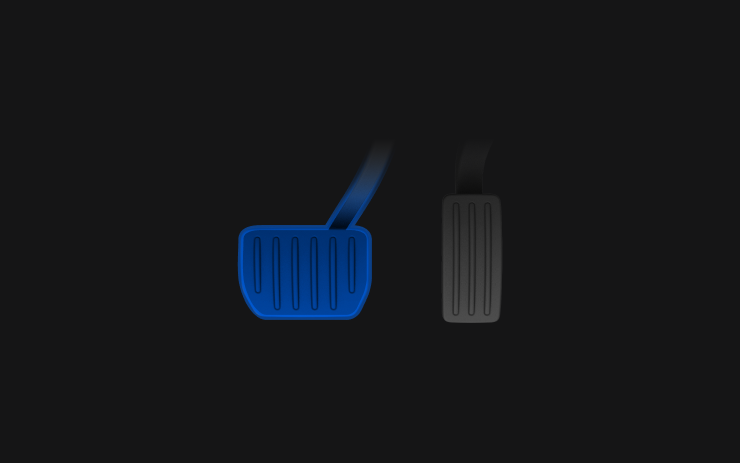
Optional brake-pedal confirmation defaults off.
