

Tesla software update 2026.20.6.6 was listed on July 13, 2026, adding another build to the 2026.20.6 family. This update covers supervised driving, trip planning, vehicle convenience, entertainment and software maintenance. Its 13 documented entries explain changes to the ownership experience, from the features used inside the cabin to the software operating behind them. Availability depends on the vehicle and the requirements of each entry.
FSD (Supervised) v14.3.5 is listed for Model S, Model 3, Model X, Model Y and Cybertruck with HW4. Availability follows the requirements of each entry; the update number alone does not identify which driving branch a vehicle receives.
FSD (Supervised) v14.3.5 improves learning and visual understanding for unusual or low-visibility situations. Changes address parking decisions, lane positioning and responses to emergency vehicles, school buses, animals and complex traffic lights. The revised AI runtime is described as delivering 20% faster reactions. These refinements concern how the driving system interprets the road and chooses maneuvers while the driver continues to supervise. Intervention feedback and driving-distance statistics also provide more information about the journey. Actually Smart Summon and Dumb Summon extend to Cybertruck. Full Self-Driving (Supervised) assists route following and maneuvers while the driver supervises.
Navigation Lane Guidance needs Online Routing and maps 2026.20 or later. Send Destination to Car shares locations through app 4.57.0 or supported Korean mapping apps. Weather Maps displays rain, snow and the previous hour of conditions with Premium Connectivity. Points of Interest makes map landmarks selectable for exploration or navigation.
Camera Preview opens individual or grid camera views while driving. Blind Spot Warning While Parked alerts to approaching hazards and initially prevents door opening. Dashcam Clip Encryption protects USB recordings on Ryzen-equipped vehicles; external playback needs decryption. Parental Controls can block Browser, Theater and Arcade while configured in Park.
“Hey Grok” adds voice activation and location reminders, requiring Premium Connectivity or Wi-Fi.
Security Improvements supplies software security fixes.
Driving assistance continues to require continuous driver supervision. The documented capabilities can include features carried forward within the same software branch.
Below, you can find the individual 2026.20.6.6 Release Notes, with images and the vehicle and hardware requirements for each documented feature.
FSD (Supervised) v14.3.5
New Feature
for Model S, 3, X, Y and CT
HW4
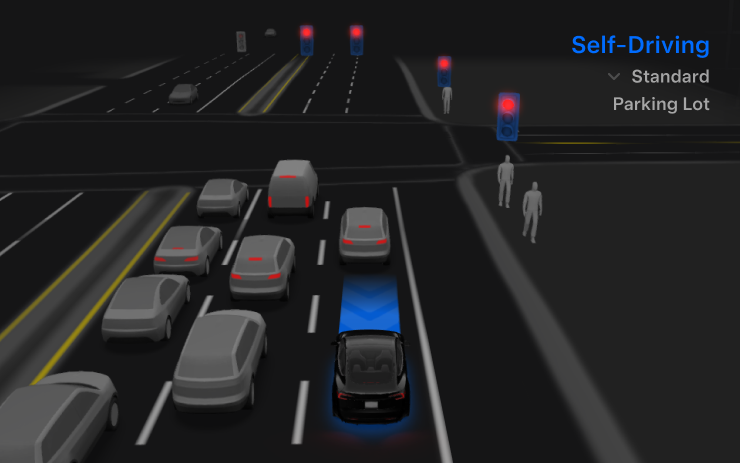
Refines perception, parking and challenging traffic responses.
Actually Smart Summon
New Feature
for Model CT

Cybertruck gains Smart and Dumb Summon.
Full Self-Driving (Supervised)
New Feature
for Model S, 3, X, Y and CT
HW4
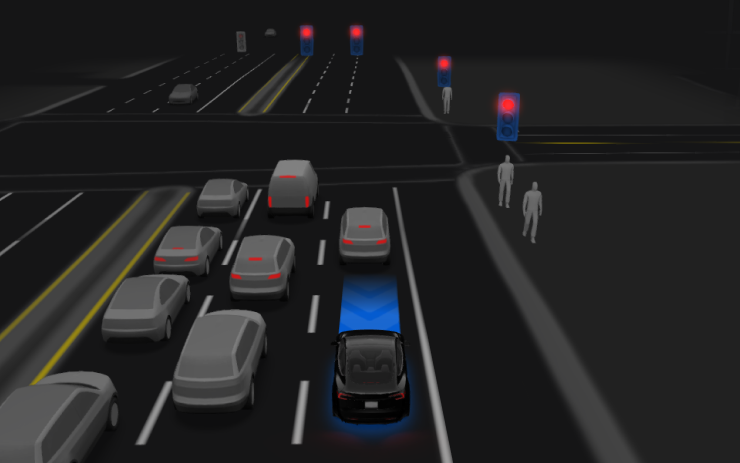
Assists driving; continuous supervision required.
Navigation Lane Guidance
New Feature
for Model 3 and Y
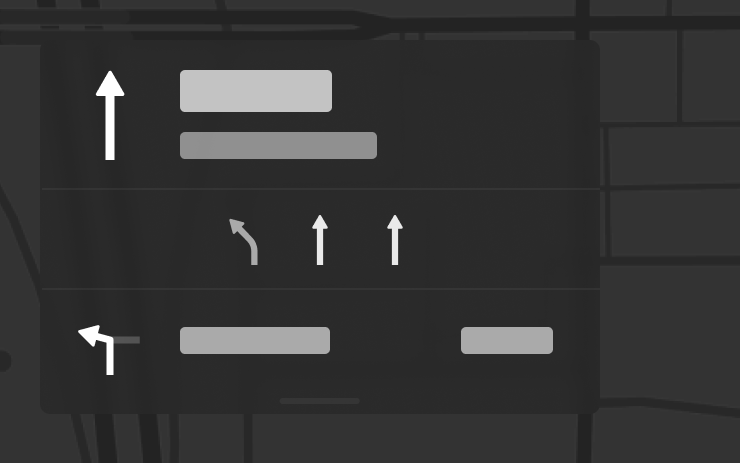
Requires Online Routing and maps 2026.20+.
Send Destination to Car
New Feature
for Model 3 and Y
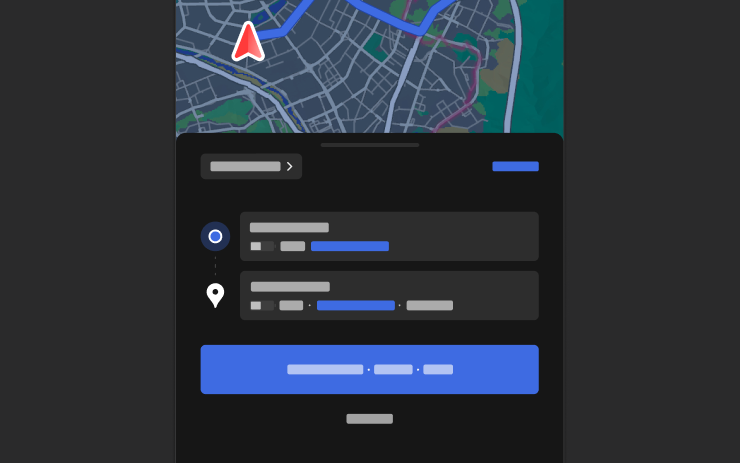
Share destinations using app 4.57.0+.
Weather Maps
New Feature
for Model 3 and Y
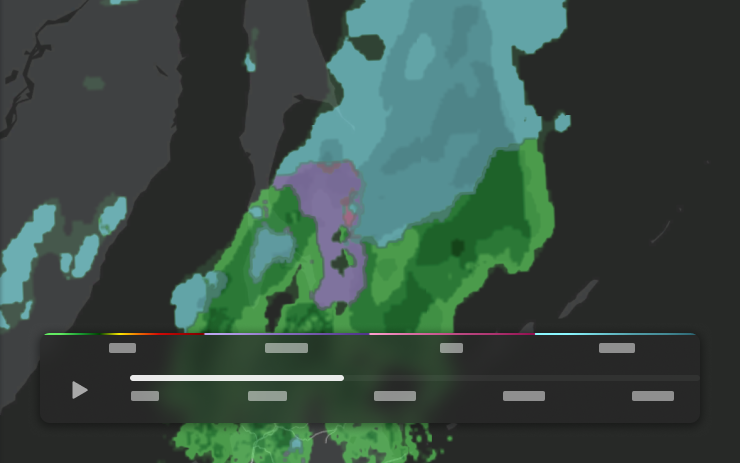
Precipitation history requires Premium Connectivity.
Points of Interest
New Feature
for Model 3 and Y
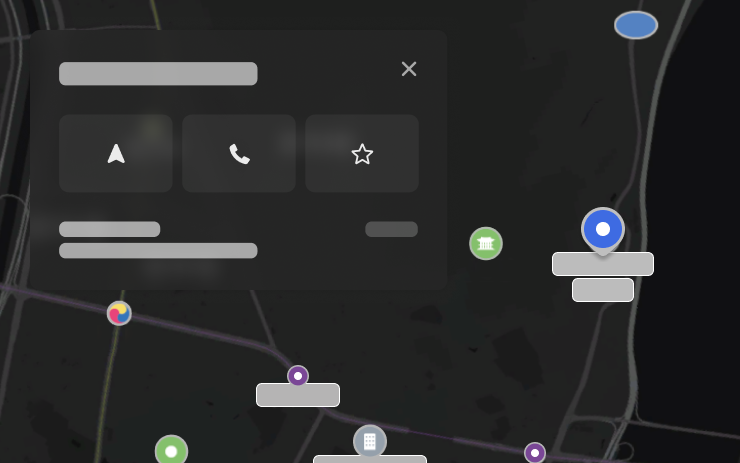
Tap landmarks to navigate.
Camera Preview
New Feature
for Model S (New), 3, X (New), Y and CT
HW3 / HW4

View cameras while driving.
Blind Spot Warning While Parked
New Feature
for Model S (New), X (New) and Y (New)
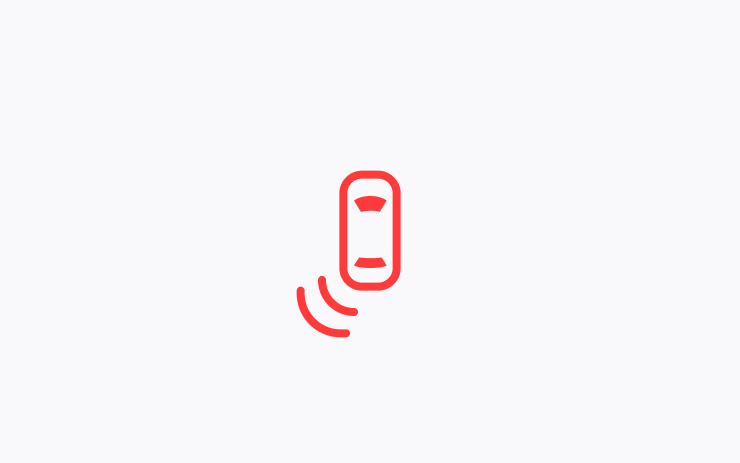
Warns and initially blocks door opening.
Dashcam Clip Encryption
New Feature
for Model S (New), 3, X (New), Y and CT
Ryzen

Encrypts USB recordings; decrypt for external playback.
Parental Controls
New Feature
for Model S (New), 3, X (New), Y and CT

Restrict Browser, Theater and Arcade.
"Hey Grok"
New Feature
for Model S (New), 3, X (New), Y and CT

Voice-launch Grok; Premium Connectivity or Wi-Fi required.
Security Improvements
New Feature
for Model S, 3, X, Y and CT

Includes security fixes.
