

Tesla software update 2026.26.6.5 was listed on August 26, 2026, adding another build to the 2026.26.6 family. This update combines supervised-driving changes with the seasonal feature package. Its 27 documented entries cover navigation, entertainment, vehicle controls and software maintenance, with availability depending on hardware and configuration.
FSD (Supervised) v14.3.8 is listed for Model S, Model 3, Model X, Model Y and Cybertruck with HW4. FSD (Supervised) v14.1 Lite is listed for Model 3 and Model Y with HW3.
FSD (Supervised) v14.3.8 refines perception, parking and traffic responses. Full Self-Driving (Supervised) assists route following and maneuvers while the driver supervises. FSD (Supervised) v14.1 Lite applies HW4-derived learning to HW3, refining driving comfort and adding parking, unparking and reversing. Start Self-Driving from Park checks driver presence, the seat belt and cabin-camera visibility before touchscreen activation.
Arrival Options saves parking or drop-off preferences separately for each destination. Speed Profiles combines driver preferences with limits and traffic; SLOTH favors more conservative driving. UI Improvements puts driving preferences directly in the center display visualization. Arrival preferences can be adjusted there as well. Self-Driving Stats shares driving statistics through app 4.59.0 or later on HW4 vehicles.
Estimated Range accounts for more battery-aging characteristics on selected Model 3 and Model Y configurations. Preferred Routes favors familiar roads with Online Routing enabled. Automatic Navigation suggests regularly visited destinations and stops based on driving routines. Speed Cameras on Route displays camera symbols with Premium Connectivity. Set Arrival Energy chooses a destination charge target through app 4.58.0 or later. Supercharger Search finds charging locations by their site names.
Grok Commands adds calls, music, climate adjustments and Controls searches on AMD-equipped vehicles, requiring connectivity. Caraoke with Scoring adds parked singing scores and passenger queues; Premium Connectivity is required. Apple Music adds queue, library and favorite actions; an active subscription is required. Web Browser supports microphone permissions and parked cabin-camera access on AMD-equipped vehicles. “Hey Grok” adds voice activation and location reminders, requiring Premium Connectivity or Wi-Fi.
Traction Control Modes gives newer Model 3 vehicles Auto, Slippery Surface and Stuck Assist settings. Camera Preview opens individual or grid camera views while driving.
Driving Visualization adds a selectable Self-Driving camera zoom. Custom Wraps uploads phone images through Tesla app 4.59.0 or later. Welcome Animation adds optional startup graphics for newer Model 3 and Model Y. Rear Display lets the center screen lock rear touch controls while selected content continues playing.
Security Improvements supplies software security fixes.
Driving assistance continues to require continuous driver supervision. The documented capabilities can include features carried forward within the same software branch.
Below, you can find the individual 2026.26.6.5 Release Notes, with images and the vehicle and hardware requirements for each documented feature.
FSD (Supervised) v14.3.8
New Feature
for Model S, 3, X, Y and CT
HW4
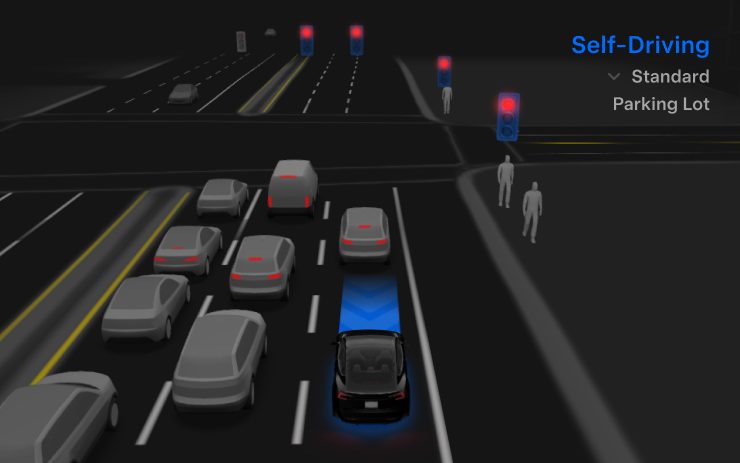
Refines driving responses.
Full Self-Driving (Supervised)
New Feature
for Model S, 3, X, Y and CT
HW4
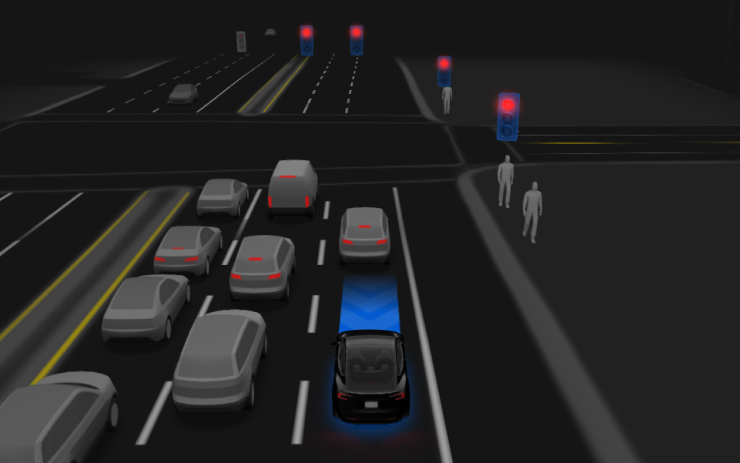
Continuous supervision required.
FSD (Supervised) v14.1 Lite
New Feature
for Model 3 and Y
HW3
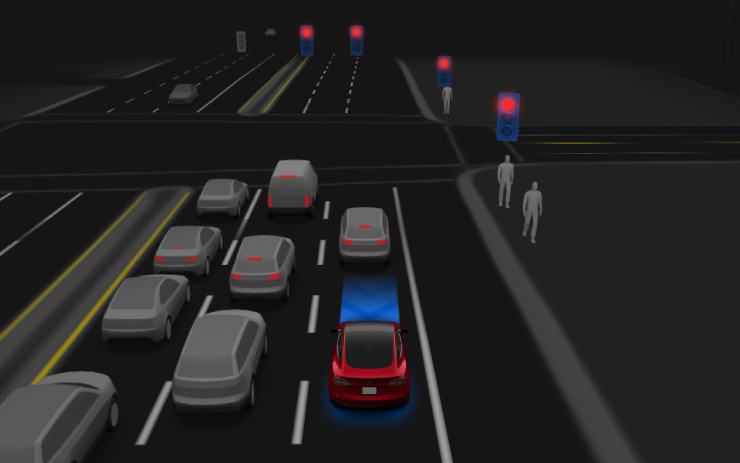
Expands HW3 driving assistance.
Start Self-Driving from Park
New Feature
for Model 3 and Y
HW3
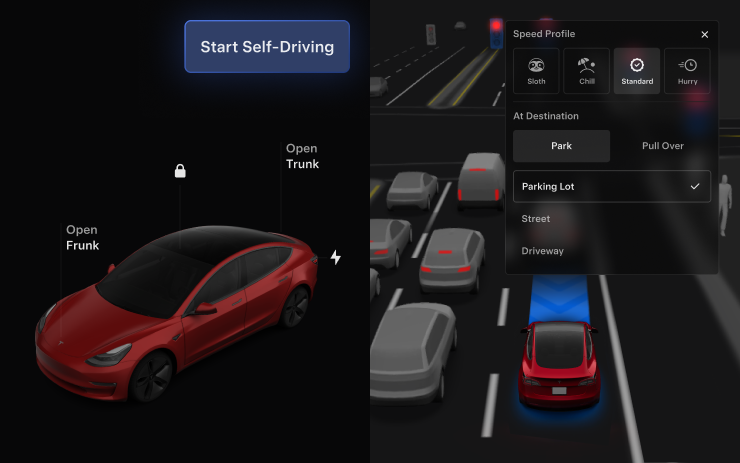
Driver checks precede activation.
Arrival Options
New Feature
for Model 3 and Y
HW3
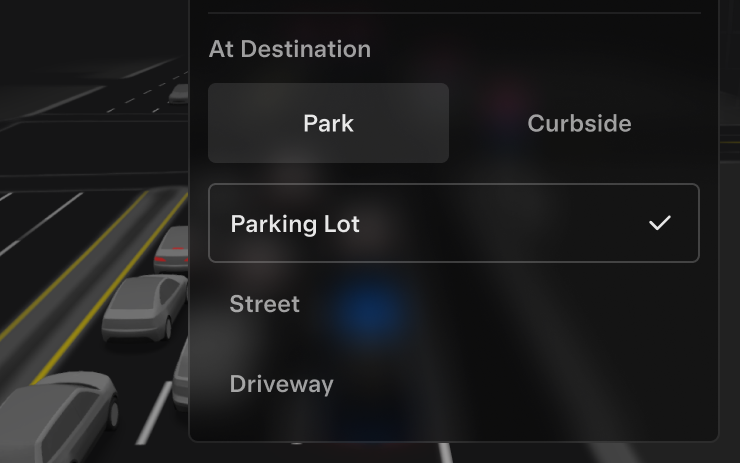
Save destination parking preferences.
Speed Profiles
New Feature
for Model 3 and Y
HW3
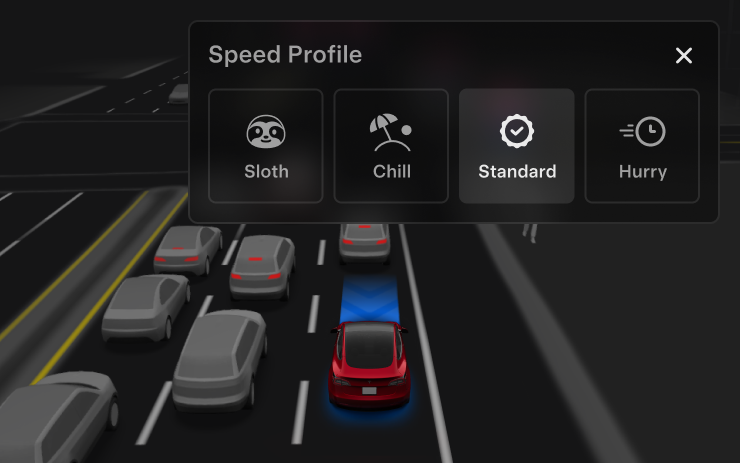
Select driving behavior.
UI Improvements
New Feature
for Model 3 and Y
HW3
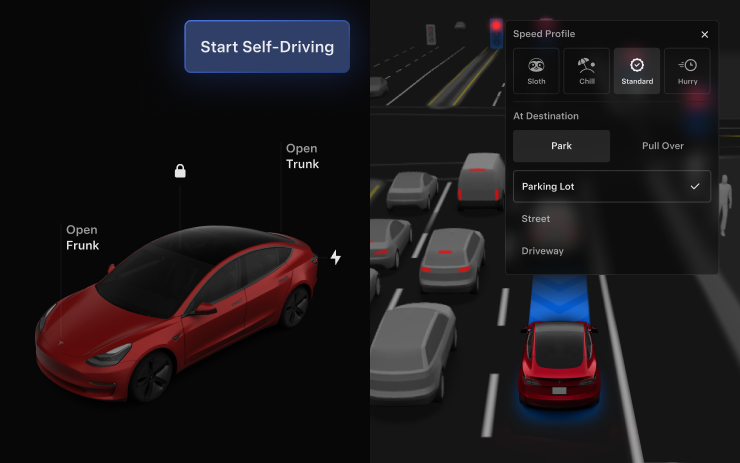
Adjust driving preferences onscreen.
Self-Driving Stats
New Feature
for Model S, 3, X, Y and CT
HW4
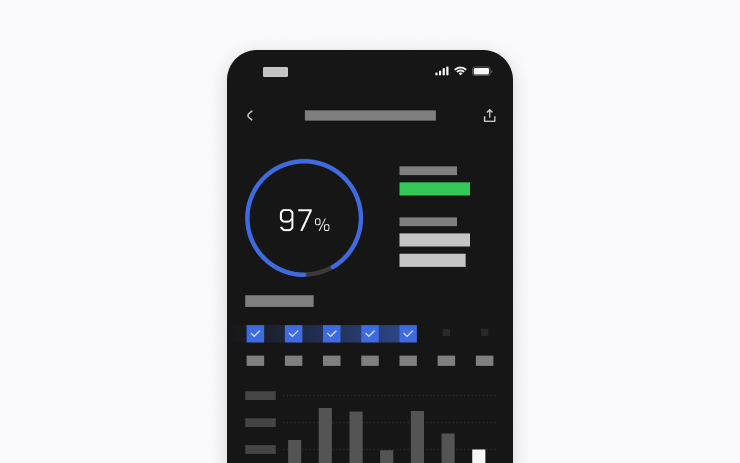
Share statistics using app v4.59.0+.
Summer Update
New Feature
for Model S, 3, X, Y and CT
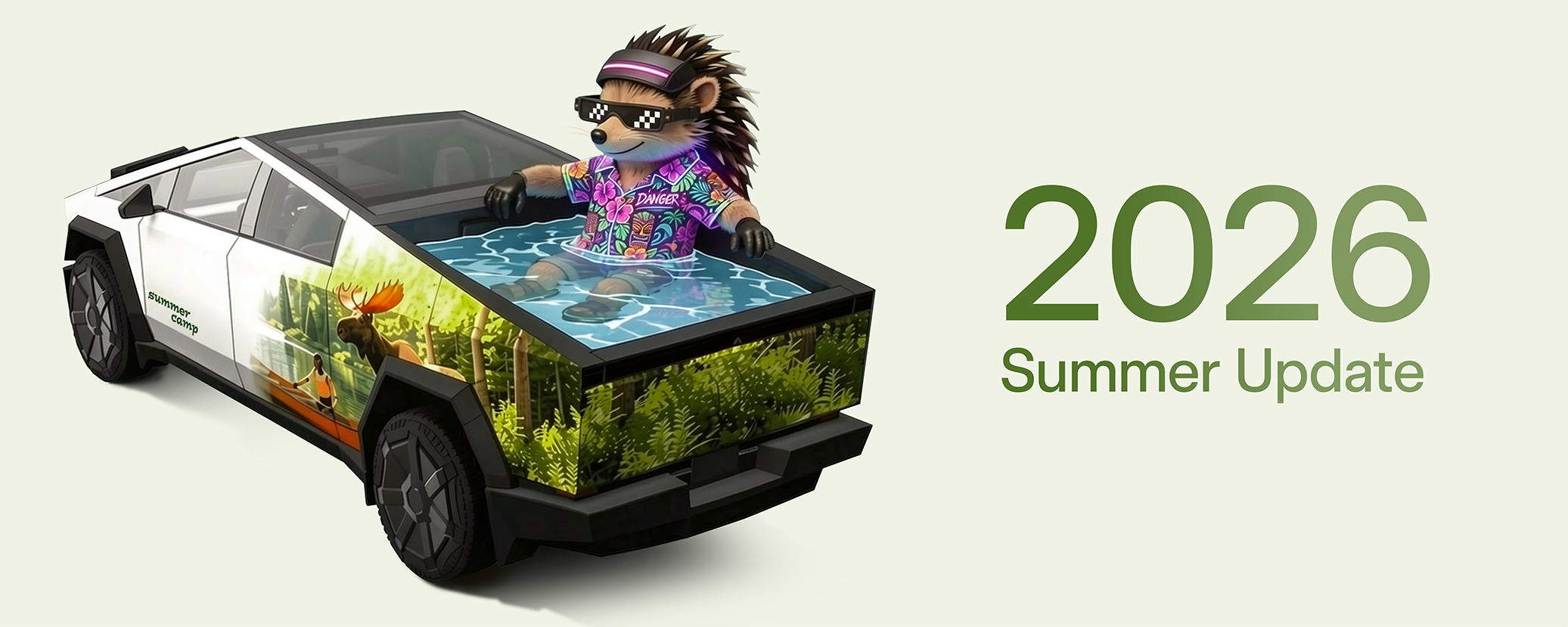
Browse seasonal features.
Estimated Range
New Feature
for Model 3 and Y
Select Configs

Accounts for battery aging.
Preferred Routes
New Feature
for Model S, 3, X, Y and CT
Intel / AMD
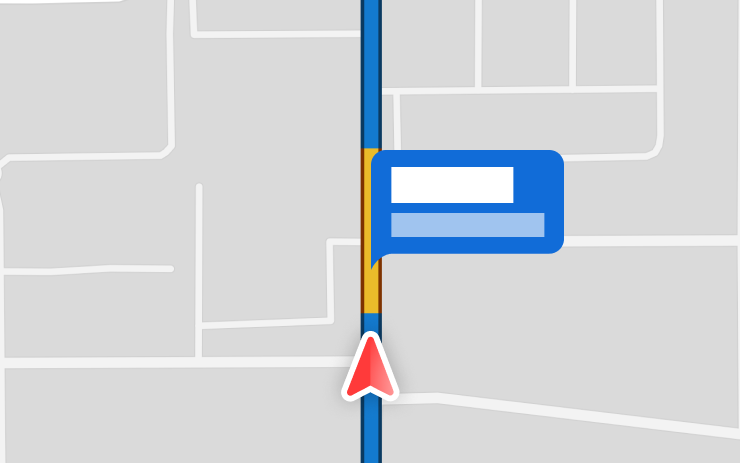
Favors familiar routes; Online Routing required.
Automatic Navigation
New Feature
for Model S, 3, X, Y and CT
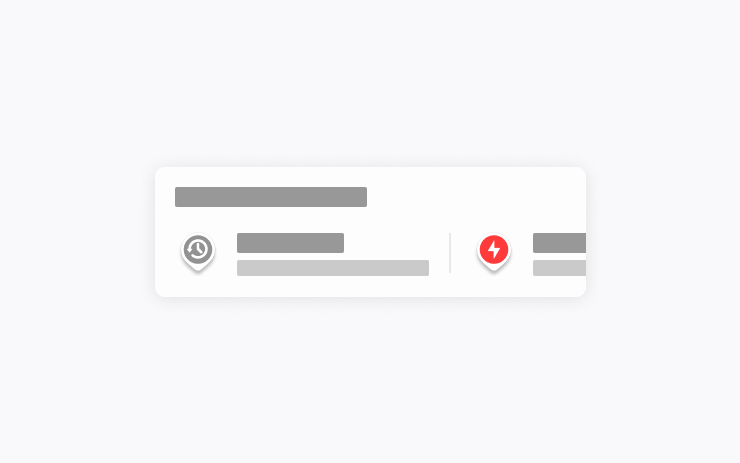
Suggests regularly visited destinations.
Grok Commands
New Feature
for Model S (New), 3, X (New), Y and CT
AMD

Voice-controlled calls, music, climate.
Traction Control Modes
New Feature
for Model 3 (New)

Auto, Slippery Surface, Stuck Assist.
Caraoke with Scoring
New Feature
for Model S (New), 3, X (New), Y and CT
AMD

Park-only scoring; Premium Connectivity.
Driving Visualization
New Feature
for Model S, 3, X and Y
Intel / AMD / Cybertruck eligibility unclear
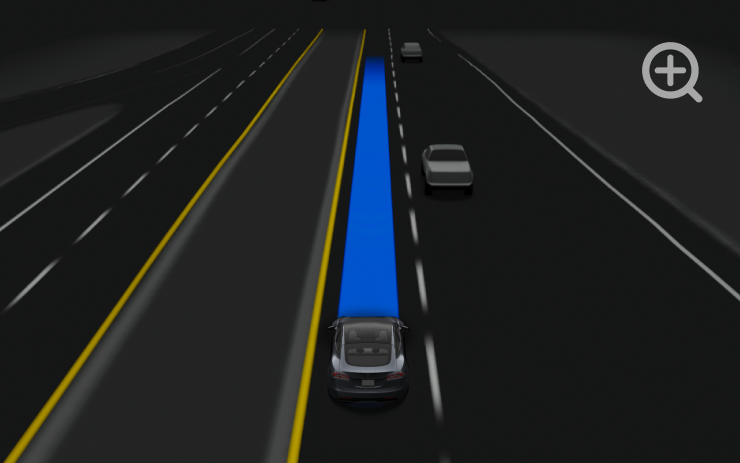
Adjust the visualization zoom.
Speed Cameras on Route
New Feature
for Model S, 3, X, Y and CT

Camera markers require Premium Connectivity.
Custom Wraps
New Feature
for Model S, 3, X, Y and CT
Intel / AMD
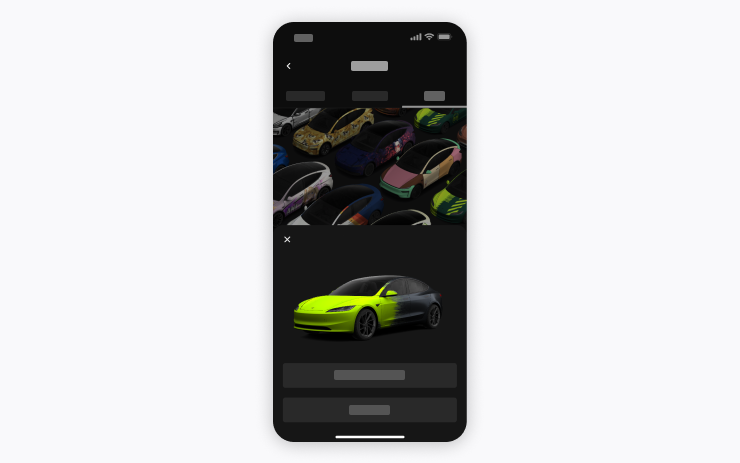
Upload wraps using app v4.59.0+.
Camera Preview
New Feature
for Model S (New), 3, X (New), Y and CT
Intel / AMD

View cameras while driving.
Set Arrival Energy
New Feature
for Model S, 3, X, Y and CT
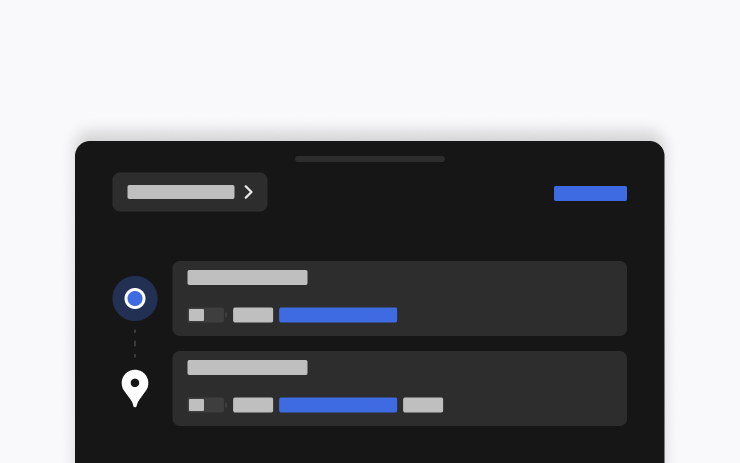
Set destination charge using app v4.58.0+.
Apple Music
New Feature
for Model S, 3, X, Y and CT
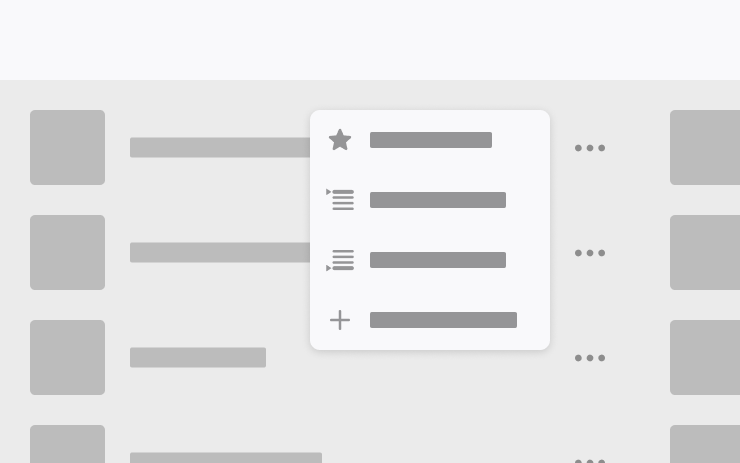
Manage song queues; subscription required.
Web Browser
New Feature
for Model S (New), 3, X (New), Y and CT
AMD
Microphone access; camera requires Park.
Supercharger Search
New Feature
for Model S, 3, X, Y and CT
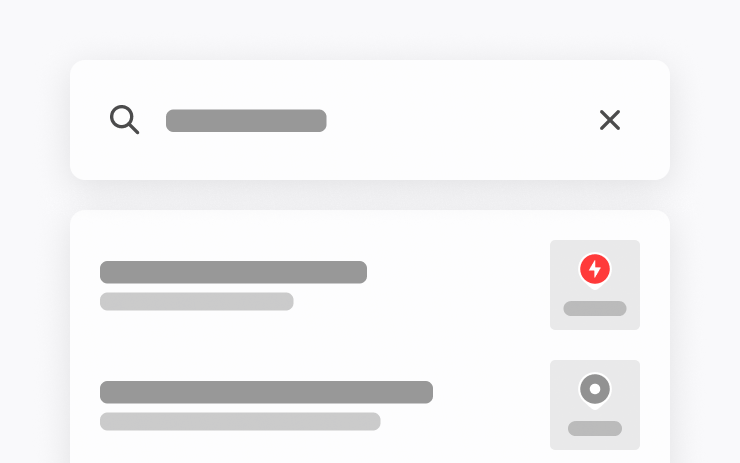
Find chargers by name.
Welcome Animation
New Feature
for Model 3 (New) and Y (New)

Configurable startup animation.
Rear Display
New Feature
for Model S (New), 3, X (New), Y and CT

Lock rear controls; playback continues.
"Hey Grok"
New Feature
for Model S (New), 3, X (New), Y and CT
AMD

Voice activation; connectivity required.
Security Improvements
New Feature
for Model S, 3, X, Y and CT

Includes security fixes.
