
Tesla software update 2026.39.6 was listed on October 29, 2026, adding another build to the 2026.39 family. Its eight official entries combine an FSD (Supervised) introduction with charging, Halloween, destination-energy, display, lighting, Supercharger-map, and security features. The FSD entry lists Model S (New), Model 3, Model X (New), and Model Y, without naming a numbered FSD edition or a hardware generation. Those missing details should not be inferred from the software number.
Before activating FSD (Supervised), the driver must watch a tutorial and complete a quiz through the new Self-Driving App or the Self-Driving section of Controls. The documented activation methods are the Start FSD button on the display and a single press of the right scroll wheel. The system can begin from Park, follow navigation forks, change lanes, negotiate objects and vehicles, make turns, and stop at the destination under continuous driver supervision.
Emergency Drive Away separately includes Cybertruck among its listed vehicles. It allows Drive to be selected with a Supercharger cable connected, exclusively for emergencies. Departing damages the vehicle and charging equipment, can leave repair costs with the user, and shares short camera recordings with Tesla. This emergency provision is distinct from the normal connector-release controls.
Halloween Mode lists AMD vehicles for ghost-themed graphics, visitor effects, a scheduled light show, and Photobooth functions, with year-round use supported. Visual Updates separately targets AMD-equipped HW3 Model 3 and Model Y with improved vehicle images and a richer parked display. These display conditions do not establish the hardware requirements of the FSD entry.
Set Arrival Energy requires Tesla App 4.58.0 or later for phone-based destination battery planning. Dynamic Headlight Leveling is restricted to specific Model 3 and Cybertruck vehicles. Supercharger Site Maps serves listed Intel vehicles at supported pilot locations, showing the layout and available, occupied, or unavailable stalls on arrival. Each condition belongs to its own feature rather than to the package as a whole.
Security Improvements completes the notes without identifying individual vulnerabilities. The separate 2026.38.6 article provides a comparison for the other seven documented features. Below are this version's exact official headings, vehicle conditions, original summaries, and illustrations; FSD remains a supervised system that does not make the vehicle autonomous.
FSD (Supervised)
New Feature
for Model S (New), 3, X (New) and Y
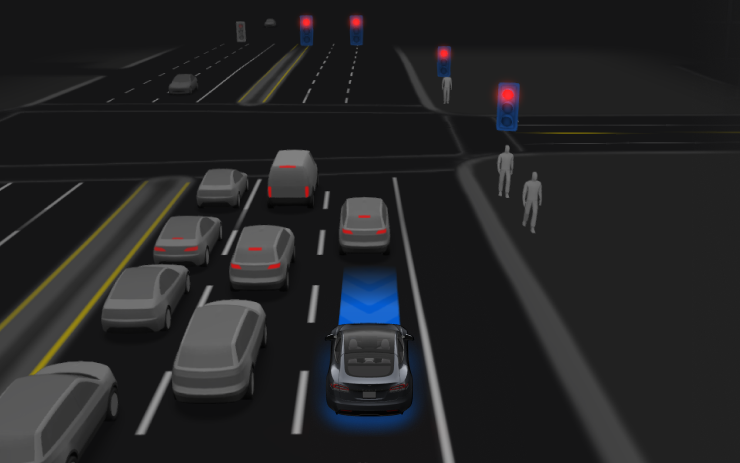
For the listed vehicles, supervised driving can begin from Park, follow the navigation route through forks and turns, change lanes, navigate around vehicles and objects, and stop at the destination. The driver and any authorized user must remain attentive and exercise additional caution; the vehicle is not autonomous.
First watch the tutorial and complete the quiz in the new Self-Driving App or the Self-Driving section of Controls. Then use the on-screen Start FSD button or press the right scroll wheel once. The function can be disabled in Self-Driving Settings. This entry does not specify a numbered FSD edition, hardware generation, or regional condition.
Emergency Drive Away
New Feature
for Model S (New), 3, X (New), Y and CT
In an emergency, the listed vehicles can select Drive while a Supercharger cable remains attached. Leaving in this state damages the vehicle and Supercharger and may make the user responsible for repairs; it is not an everyday unplugging method. Activating the function also shares short recordings from the vehicle cameras with Tesla.
Halloween Mode
New Feature
for Model S (New), 3, X (New), Y and CT
AMD / Available Worldwide
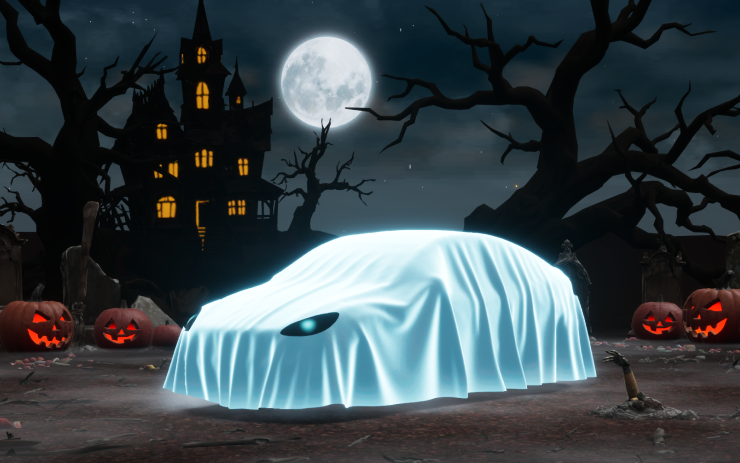
The listed AMD vehicles can use a ghost-themed visualization, visitor-triggered spooky audio and flickering lights, a scheduled light show, and Photobooth effects. The seasonal theme is available for use throughout the year.
Set Arrival Energy
New Feature
for Model S, 3, X, Y and CT
Tesla App 4.58.0+ / Available Worldwide
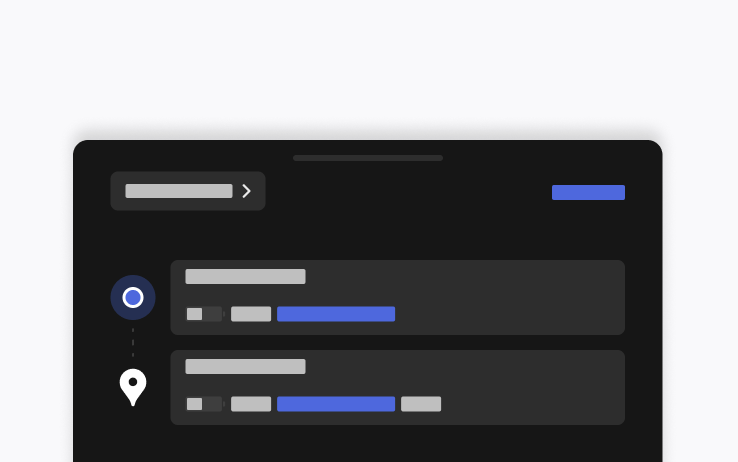
From the phone's location screen, enter a destination and select the desired arrival battery energy for the trip. Tesla App 4.58.0 or later is required; the vehicle list and worldwide availability apply to this entry.
Visual Updates
New Feature
for Model 3 and Y
AMD / HW3 / Available Worldwide
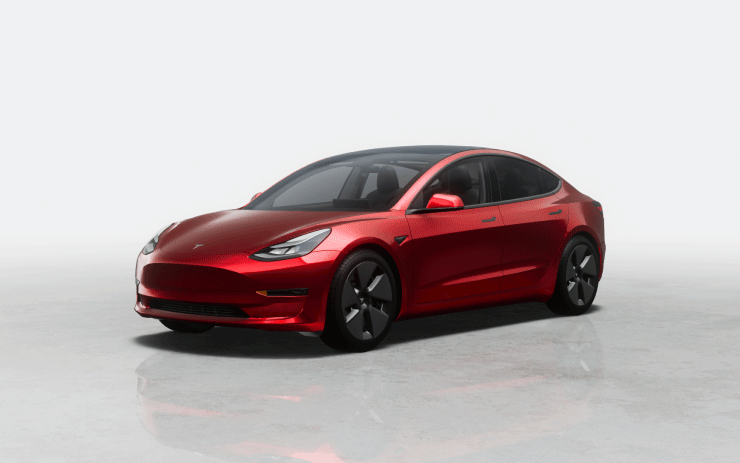
AMD-equipped HW3 Model 3 and Model Y receive more detailed vehicle imagery and an improved parked scene on the center display. This entry's combined processor, driving-hardware, and model requirements should be read together.
Dynamic Headlight Leveling
New Feature
for Model 3 and CT
Specific Vehicles / Available Worldwide

On the specified Model 3 and Cybertruck vehicles, the low beams adjust their aim for driving conditions and nearby traffic. The adjustment balances forward visibility with reduced glare for other road users.
Supercharger Site Maps
New Feature
for Model S (Legacy), 3, X (Legacy) and Y
Intel / Available Worldwide
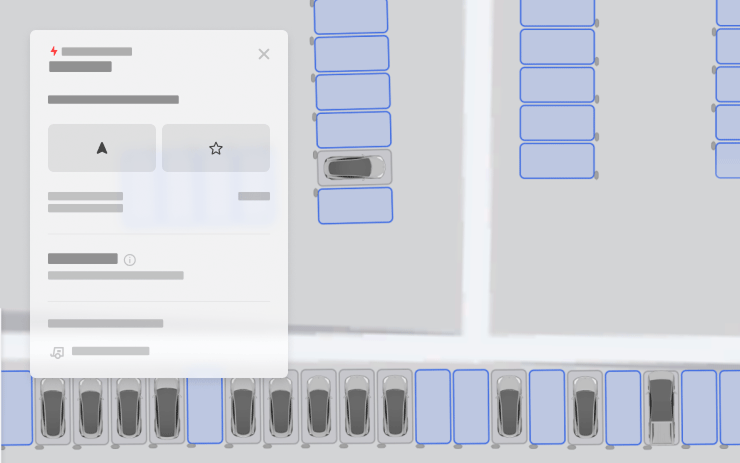
At supported pilot Supercharger locations, the listed Intel-equipped vehicles can open View Site Map to see the station layout. Navigation to a supported site brings up the map on arrival with live indications for available, occupied, and unavailable stalls.
Security Improvements
New Feature
for Model S, 3, X, Y and CT
Available Worldwide

The release includes security-related fixes and improvements for the listed vehicles. The notes do not identify individual vulnerabilities or describe a specific repair.
