

Tesla software update 2026.8.6.1 was listed on April 12, 2026, adding another build to the 2026.8.6 family. This update covers vehicle convenience and software maintenance. Its 6 documented entries explain changes to the ownership experience, from the features used inside the cabin to the software operating behind them. Availability depends on the vehicle and the requirements of each entry.
The feature list covers Model 3, Model Y, Cybertruck, Model S and Model X. Hardware conditions include HW3, depending on the entry. Some features are restricted to newer vehicles or specific configurations; support should be checked entry by entry.
Autopilot Naming Update changes labels used in the vehicle: Navigate on Autopilot becomes Navigate on Autosteer, and FSD Computer becomes AI Computer. These wording changes do not alter how the existing features operate. Owners may therefore notice new names in menus without receiving a corresponding change to driving behavior from this entry. This entry is listed for Model 3 and Model Y with HW3.
Blind Spot Warning While Parked responds when an approaching object is detected as an occupant tries to open a door. A chime sounds and the initial button press does not open the door. After a short wait, another press can override the warning. The feature is tied to the supported vehicle configurations listed for this entry. This entry is listed for Cybertruck.
Comfort Braking focuses on how supported newer Model Y vehicles feel when coming to a complete stop during routine braking. The change targets the final part of an ordinary stop, adding a comfort improvement alongside the interface and maintenance entries in this release.
Minor Updates includes a down-arrow shortcut for reaching the end of long Spotify playlists and podcast lists, the Leo voice option for a British Grok accent, and a setting to hide suggested navigation destinations. These are smaller convenience changes rather than a separate driving-system upgrade. This entry is listed for Model S, Model 3, Model X, Model Y and Cybertruck.
Security Improvements adds software security fixes alongside the visible feature changes. The entry does not identify individual vulnerabilities or describe a new driver control. Its role in the release is software maintenance, even where the accompanying feature overview includes new interface or driving capabilities.
Minor Fixes groups the smaller corrections and improvements supplied with the update. The description does not name individual faults or additional capabilities, so it should be read as a maintenance entry alongside the features that receive their own explanations.
Below, you can find the individual 2026.8.6.1 Release Notes, with images and the vehicle and hardware requirements for each documented feature.
Autopilot Naming Update
New Feature
for Model 3 and Y
HW3

Renames navigation and computer labels without changing behavior.
Blind Spot Warning While Parked
New Feature
for Model CT
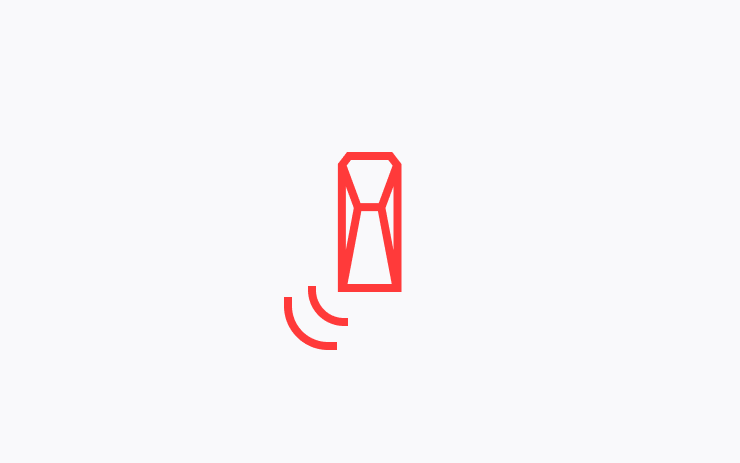
Detects approaching hazards, flashes an indicator, sounds a warning and initially prevents door opening. A subsequent press can override the warning.
Comfort Braking
New Feature
for Model Y (New)
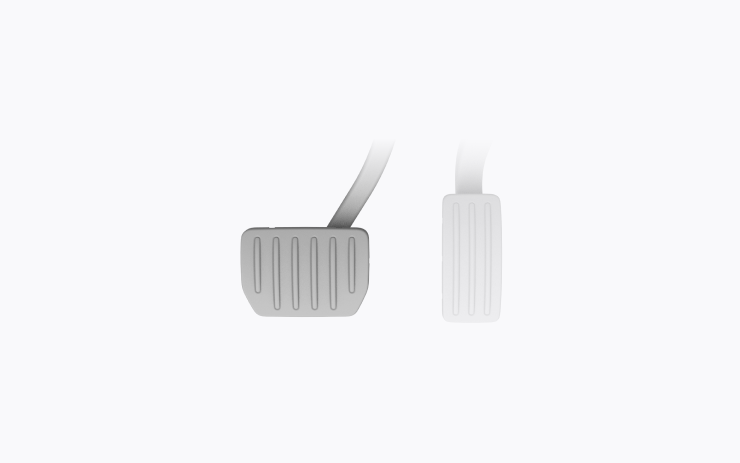
Smooths routine stops.
Minor Updates
New Feature
for Model S, 3, X, Y and CT

Spotify list shortcuts, Grok British voice and optional destination suggestions; availability varies.
Security Improvements
New Feature
for Model 3 and Y

Includes security fixes.
Minor Fixes
New Feature
for Model S, 3, X and Y
Includes bug fixes and refinements.
