

Tesla software update 2026.14.6 was listed on May 12, 2026, adding another build to the 2026.14 family. This update covers supervised driving, trip planning, entertainment, personalization, vehicle convenience and software maintenance. Its 21 documented entries explain changes to the ownership experience, from the features used inside the cabin to the software operating behind them. Availability depends on the vehicle and the requirements of each entry.
The feature list covers Model 3, Model Y, Cybertruck, Model S and Model X. Intel, AMD and driving-computer requirements differ by feature. Some features are restricted to newer vehicles or specific configurations; support should be checked entry by entry.
Self-Driving App brings subscriptions, instructions and ongoing statistics together on supported HW4 vehicles.
Estimated Toll Fees shows route costs and eligible EV discounts with Online Routing. Weather Maps Improvements distinguishes rain and snow and displays recent history with Premium Connectivity. Supercharger Pricing Filter favors Tesla-priced locations when Online Routing and connectivity are enabled.
Immersive Sound Upgrade enhances the streaming soundstage in newer Model 3 and Model Y. “Hey Grok” adds spoken activation and location reminders on AMD-equipped vehicles, with settings to enable the functions. Music App Queuing adds gestures for queues, favorites and liked tracks.
Rear Display lets passengers in equipped vehicles view and interact with navigation maps while following the route. Pet Mode lets owners choose and name the displayed pet. Paint Shop expands newer Model S and Model X avatar customization, including USB-uploaded wraps. Visual Updates refreshes vehicle graphics and the parking scene in newer Model 3 and Model Y. Trips moves journey and energy-use tracking into the Energy app. Sketchpad adds stickers, emojis and sharing through app 4.55.6 or later. Keyboard links dictation language to the selected keyboard language.
Blind Spot Warning Accent Lights turns supported ambient lighting red for detected hazards. Chime When Light Is Green provides an optional traffic-light notification. Live Camera View adds encrypted remote cabin viewing, needing Premium Connectivity and app 4.55.6 or later. The Intel Dashcam Viewer Updates entry supports permanently saving recent clips without specifying the AMD 24-hour extension. The Intel Dashcam Viewer Updates entry supports permanently saving recent clips without specifying the AMD 24-hour extension.
Automatic Software Updates can install downloaded releases overnight while parked and unused. Security Improvements supplies software security fixes.
Driving assistance continues to require continuous driver supervision. The documented capabilities can include features carried forward within the same software branch.
Below, you can find the individual 2026.14.6 Release Notes, with images and the vehicle and hardware requirements for each documented feature.
Self-Driving App
New Feature
for Model S (New), 3, X (New), Y and CT
HW4 / FSD
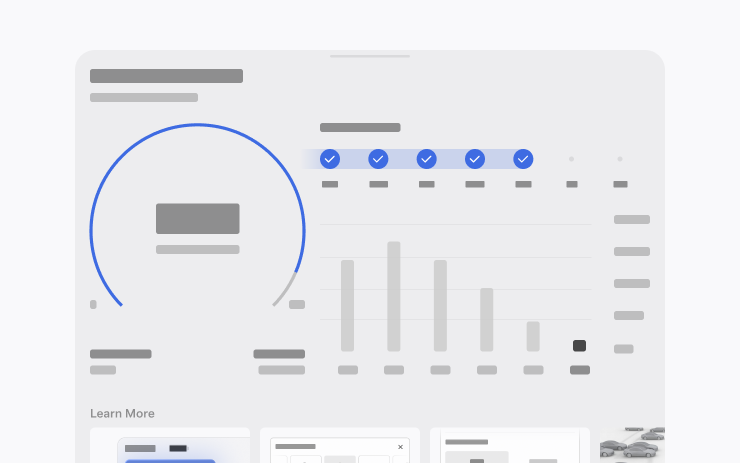
Manage subscriptions, instructions and statistics.
Estimated Toll Fees
New Feature
for Model 3 and Y
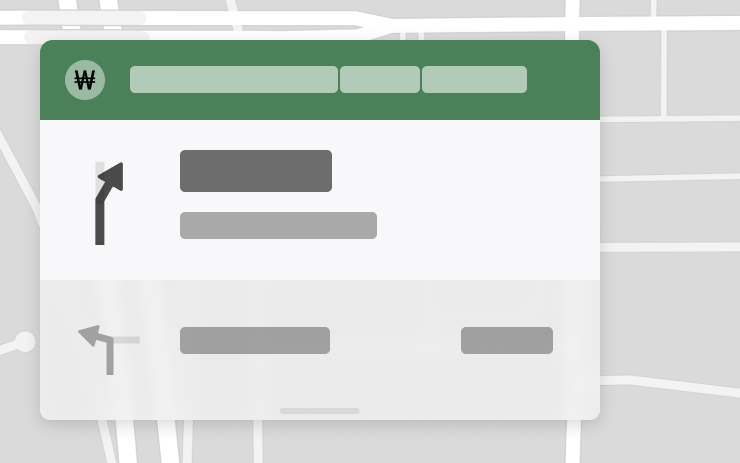
Estimates tolls; Online Routing required.
Immersive Sound Upgrade
New Feature
for Model 3 (New) and Y (New)
Enhances the streaming soundstage.
Rear Display
New Feature
for Model S (New), 3 (New), X (New), Y (New) and CT
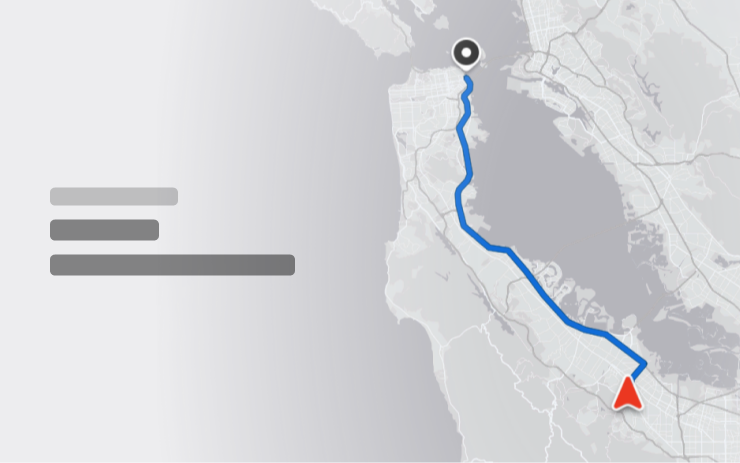
Passengers can follow navigation maps.
"Hey Grok"
New Feature
for Model S (New), 3, X (New), Y and CT
AMD

Voice activation and location reminders.
Pet Mode
New Feature
for Model S, 3, X, Y and CT

Customize pet appearance and name.
Paint Shop
New Feature
for Model S (New) and X (New)
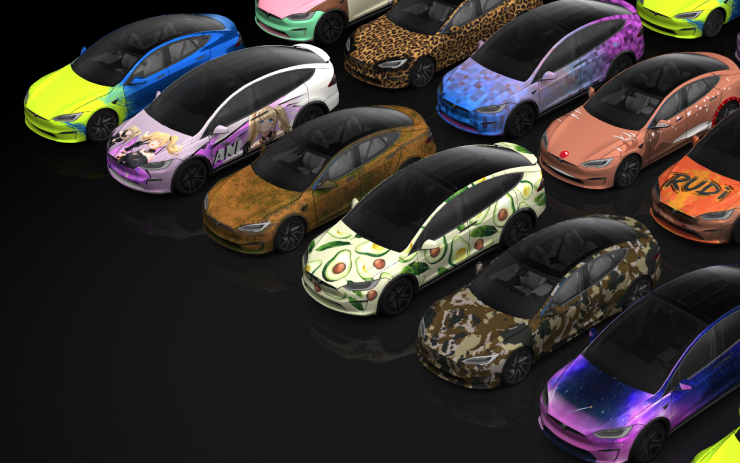
Customize avatars; USB uploads supported.
Visual Updates
New Feature
for Model 3 (New) and Y (New)
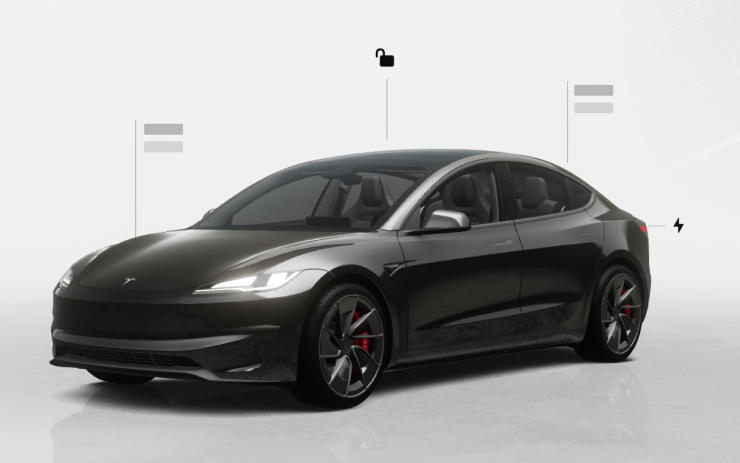
Sharper vehicle graphics and parking scene.
Trips
New Feature
for Model S (New), 3, X (New), Y and CT
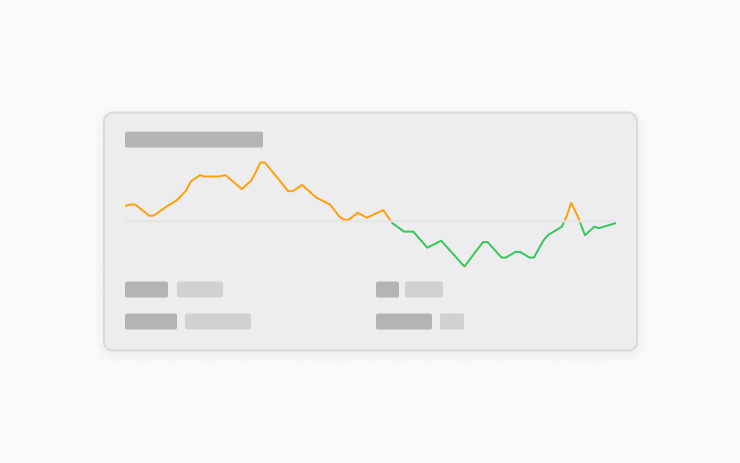
Manage journeys within Energy.
Sketchpad
New Feature
for Model S (New), 3, X (New), Y and CT
Tesla App 4.55.6+
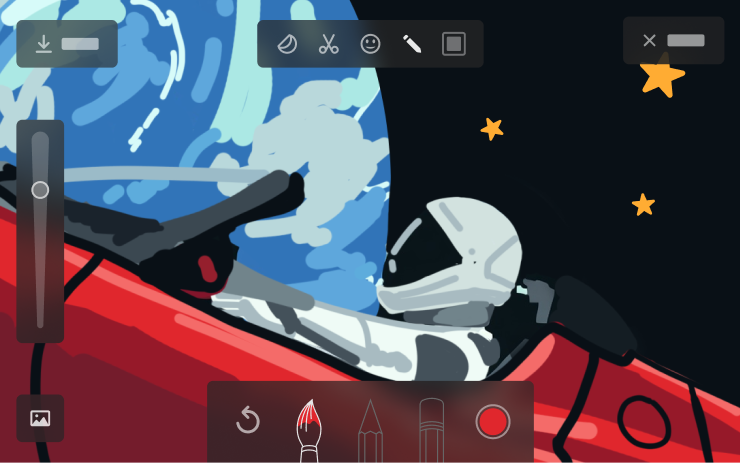
Adds stickers and sharing.
Blind Spot Warning Accent Lights
New Feature
for Model S (New), 3 (New), X (New), Y (New) and CT
Ambient Lights

Red accents indicate detected hazards.
Chime When Light Is Green
New Feature
for Model S, 3, X, Y and CT
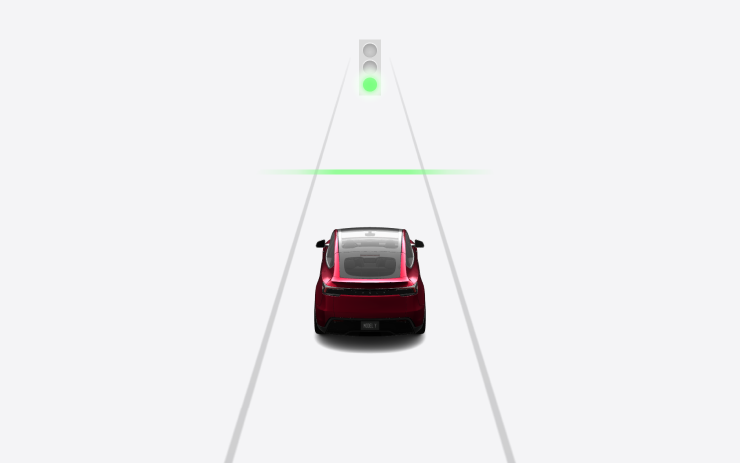
Optional green-light notification.
Live Camera View
New Feature
for Model S, 3, X, Y and CT
Premium Connectivity / Tesla App 4.55.6+ for mobile access

Encrypted remote interior viewing.
Music App Queuing
New Feature
for Model S, 3, X, Y and CT
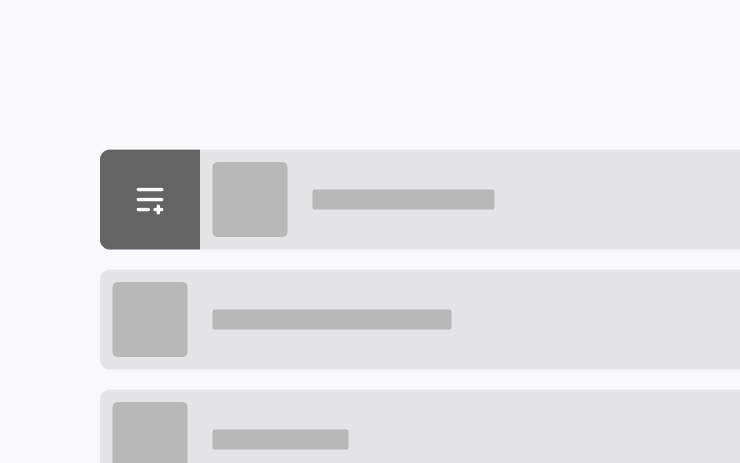
Manage queues and favorites with gestures.
Automatic Software Updates
New Feature
for Model S (New), 3, X (New), Y and CT
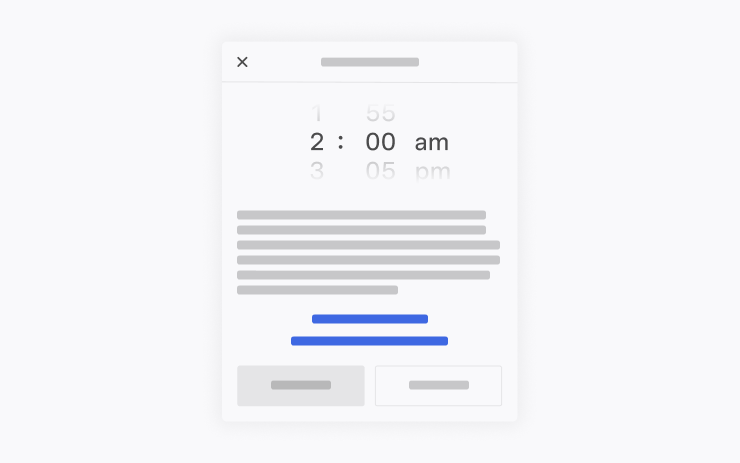
Optional overnight installation while parked.
Dashcam Viewer Updates
New Feature
for Model S (New), 3, X (New), Y and CT
Premium Connectivity / Tesla App 4.55.6+ for mobile access
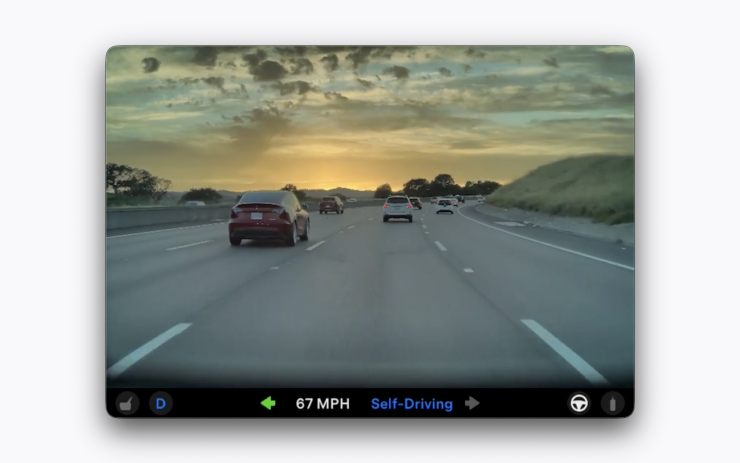
Save recordings permanently.
Dashcam Viewer Updates
New Feature
for Model S, 3, X and Y
Intel / Premium Connectivity / Tesla App 4.55.6+ for mobile access
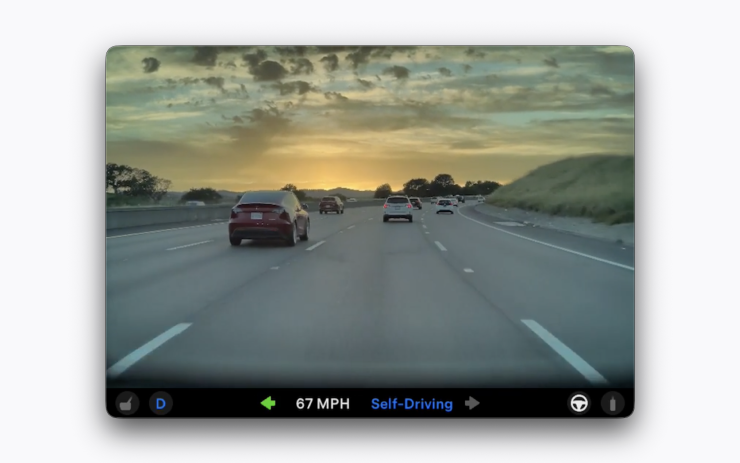
Save recordings permanently.
Weather Maps Improvements
New Feature
for Model S (New), 3, X (New), Y and CT
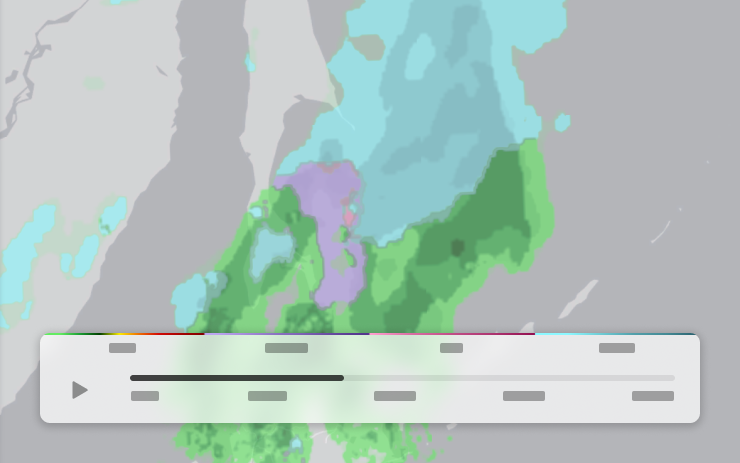
Rain/snow history; Premium Connectivity required.
Supercharger Pricing Filter
New Feature
for Model S, 3, X, Y and CT

Tesla-priced stops; Online Routing required.
Keyboard
New Feature
for Model S, 3, X, Y and CT

Keyboard choice sets dictation language.
Security Improvements
New Feature
for Model S, 3, X, Y and CT

Includes security fixes.
